1
Can I generate AI images for free without logging in?
Yes. Generate one 1K image for free without logging in or signing up. Text to Image and Image to Image share this trial. Failed generations do not use the free try. Sign in to adjust resolution or make further generations with credits.
2
What is AI image to image?
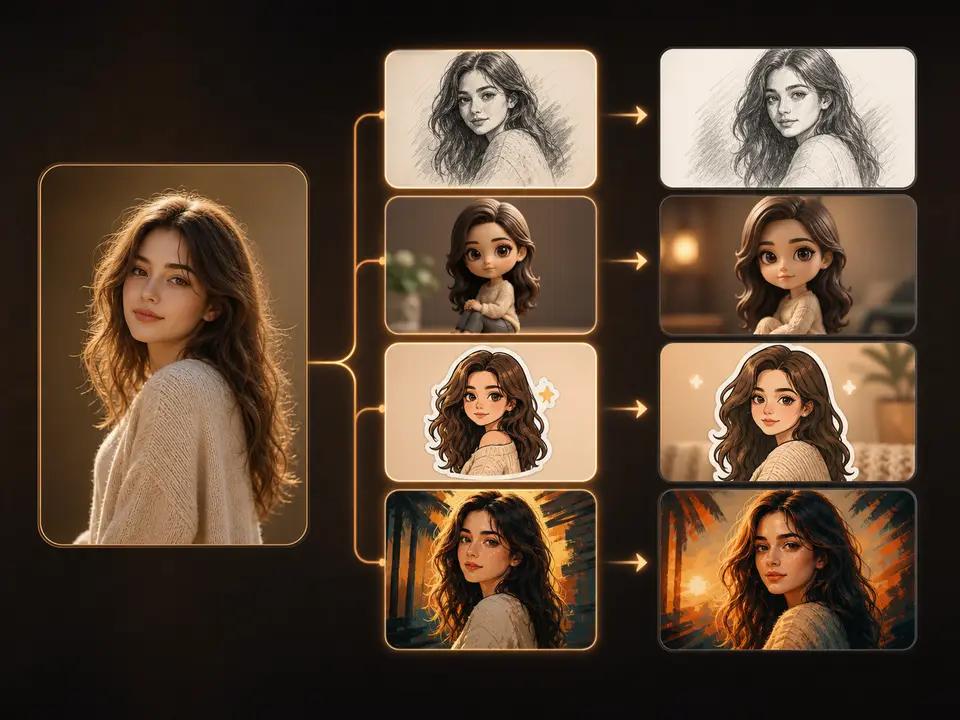
AI Image to Image creates an edited interpretation of uploaded visual material using your written instructions. Add a clear source, name one main change and the details to retain, select compatible settings, and review the credit estimate. Compare the result with your original. This generative workflow does not lock every pixel or subject detail.
3
What can it preserve from the original image?
You can ask Image to Image to retain a subject, pose, composition, color, or style by naming those details in the prompt. Start with an unobstructed source and request one main change. Compare faces, product shapes, text, and layout with the original after generation. Preservation instructions guide the model; they do not guarantee unchanged regions.
4
What is image to image best for?
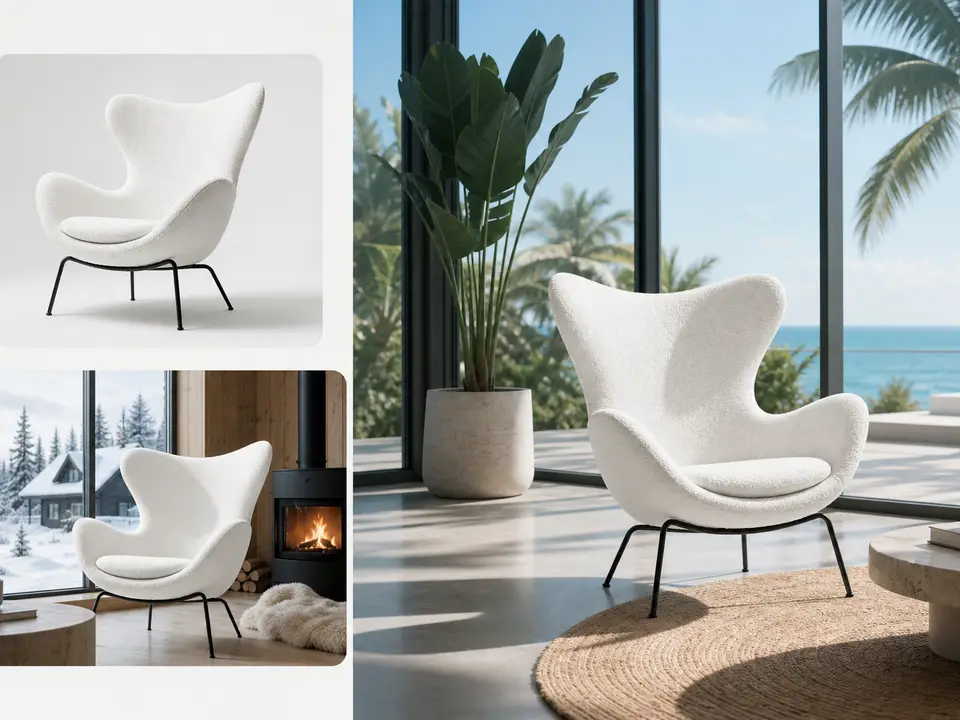
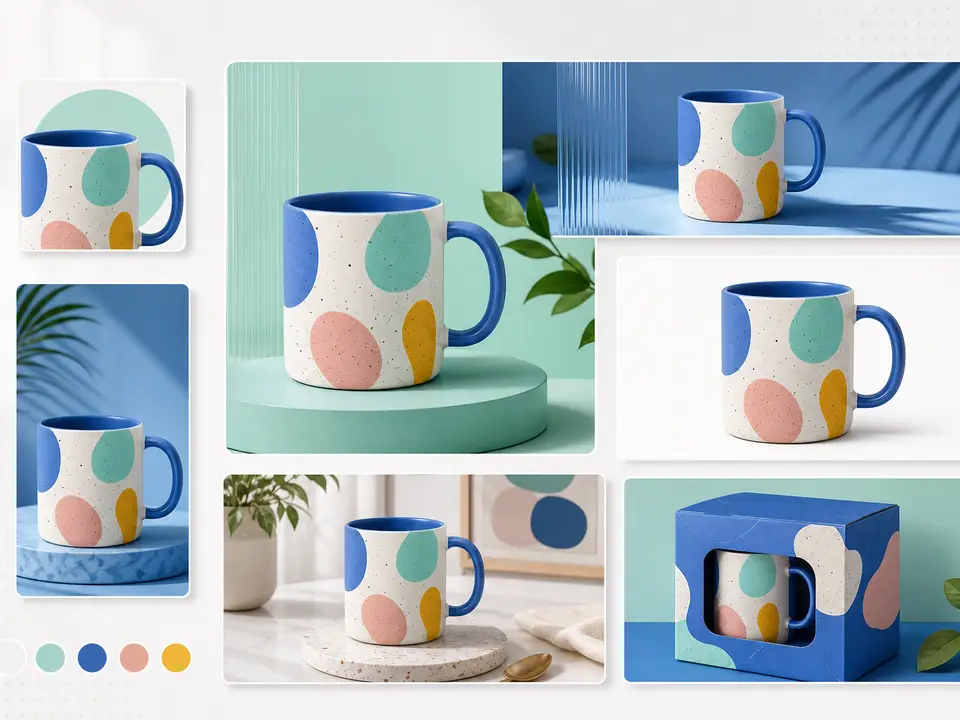
Use Image to Image to explore illustration treatments, new product settings, relighting, or coordinated visual variations from a source photo. Describe one goal and inspect the result against the original. For a focused portrait, background, or interior task, the AI Tools directory offers dedicated presets. A visual preview still requires review before publishing.
5
How do I keep a subject or product consistent?
Upload a sharp source and name the distinctive details to retain: face shape, hair, glasses, product outline, label, or colors. Keep one main change in the request and compare each result at the same crop. The editor has no identity lock; faces, text, and small details may drift even with clear preservation instructions.
6
Which image formats can I upload?
Image uploaders accept JPEG, PNG, and WebP within the displayed size and dimension limits. Choose the image-editing model before checking its available slots and requirements. Use a clear source with the subject visible; the uploader rejects unsupported files. Upload validation checks file requirements, not whether the model will preserve every visual detail.
7
Can I upload more than one reference image?
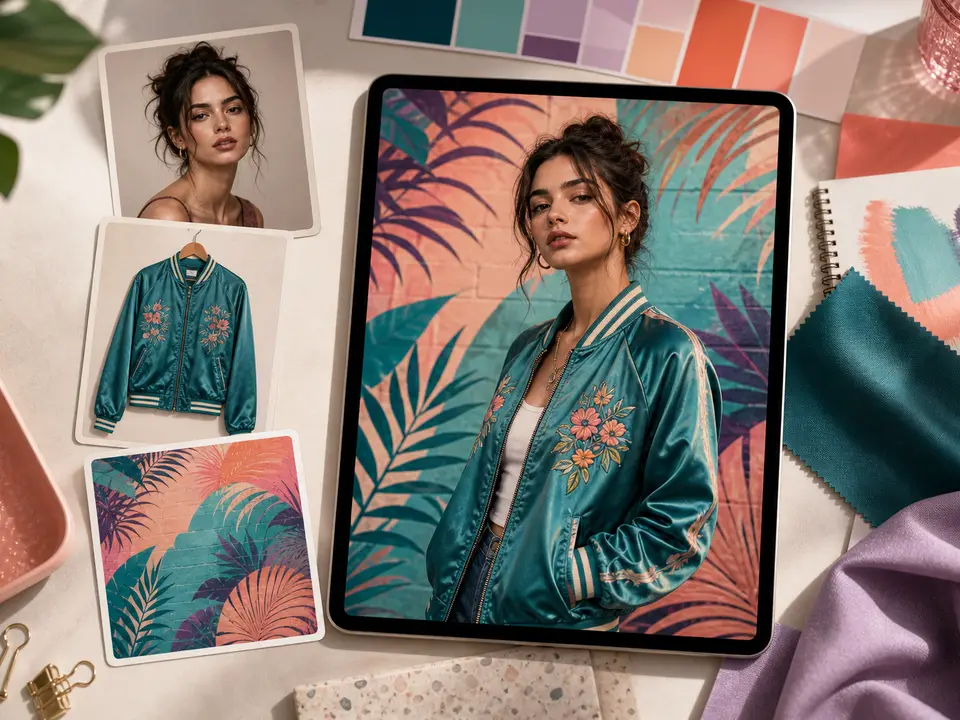
Some image-editing models allow multiple references. The selected model determines how many upload slots appear. Give each source a distinct role, such as subject, setting, or style, and describe those roles in the prompt. Avoid conflicting identities and inspect the generated composition. Several references provide guidance rather than a guaranteed exact merge.
8
How is Image to Image different from Text to Image?
Image to Image starts with uploaded visual references and applies your change instructions. Text to Image creates a new visual from wording without requiring a source. Choose Image to Image when an existing person, product, or composition should guide the output. Both are generative and can change details that matter to your final use.
9
Will the edited image preserve every detail exactly?
Image to Image can redraw details beyond the requested change, including faces, hands, labels, patterns, and product geometry. Compare the full result with the untouched source, especially at the intended crop. Reject a result that misrepresents important details. There is no region or identity lock, and further submissions do not guarantee an exact correction.
10
How are Image to Image credits calculated?
The Image to Image editor shows the credit estimate for the selected model and supported output settings. Check it after changing resolution, quality, model, or other available controls. Guests can try one 1K image, shared with Text to Image. Resolution controls require sign-in, and further generations require enough credits. Each further edit is a separate generation; saving or downloading a completed result does not start another job.
11
Can I take the result into another workflow?
Download the edited image or use the available next-workflow action to animate it in Image to Video. You can also submit it as a source for another image edit. Inspect the selected image before continuing, then check the next model's controls and cost. Each new image or video submission is billed as a separate generation.