1
Can I generate AI images for free without logging in?
Yes. Generate one 1K image for free without logging in or signing up. Text to Image and Image to Image share this trial. Failed generations do not use the free try. Sign in to adjust resolution or make further generations with credits.
2
What is AI text to image?
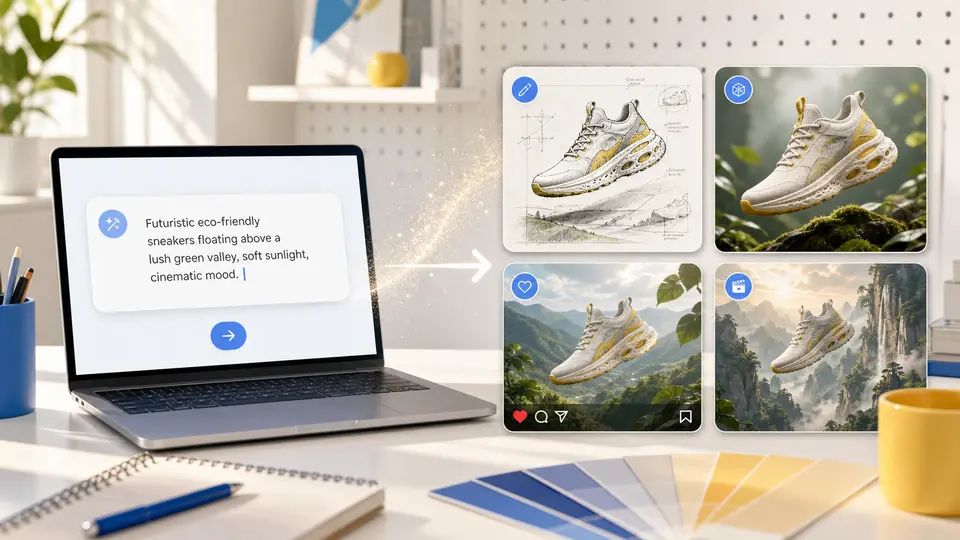
AI Text to Image generates a new image from a written description without requiring a source photo. Describe the subject, setting, composition, medium, and light, choose a model and output settings, then check the cost before submission. Review the result against your brief. Use Image to Image when a real source should guide appearance.
3
How do I write a better image prompt?
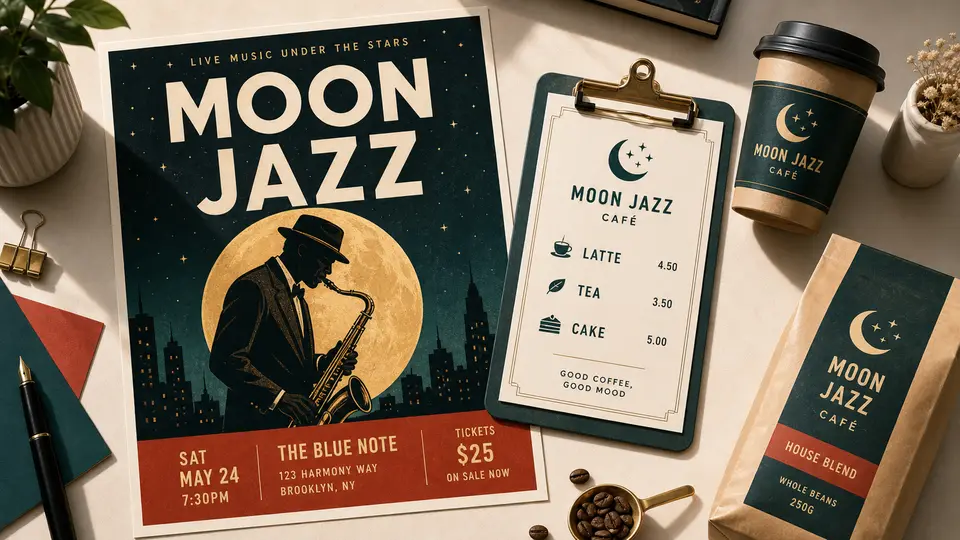
Name the subject and setting first, then specify a visual medium, composition, light, and a few essential details. For example: A paper-cut coastal travel poster, ivory background, warm afternoon light, space above the scene for a headline. Begin with one clear direction, inspect the result, and change one instruction for the next submission.
4
Which settings affect the result?
Model choice changes how the prompt is interpreted, while aspect ratio affects framing and supported resolution or quality options affect the output request and cost. Use the controls shown for the selected model and check the estimate before generating. For a profile image or poster, inspect the downloaded result at its intended crop and size.
5
Which AI image model should I choose?
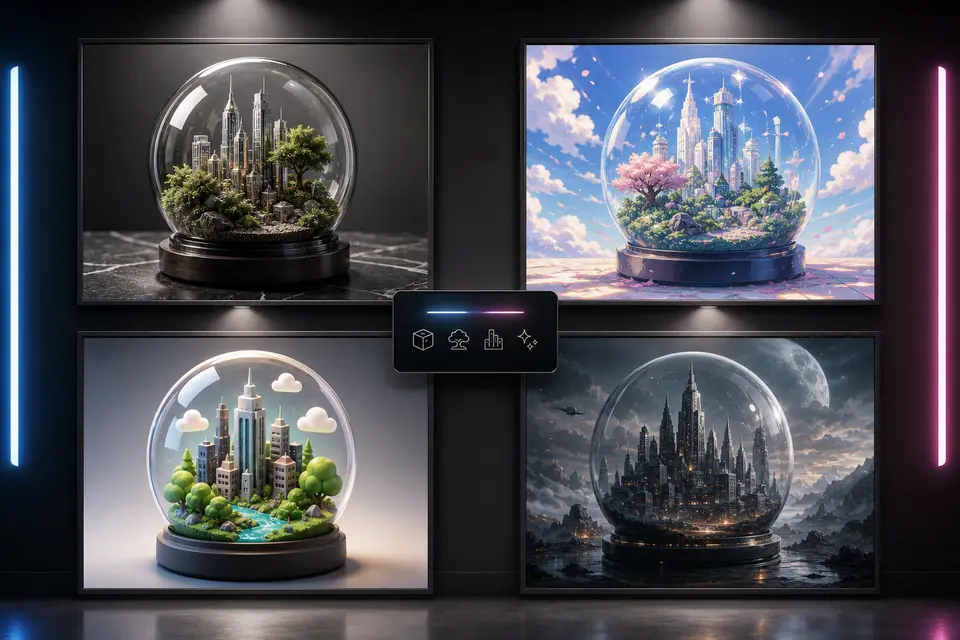
Choose an image model by the controls and cost shown in Imagine Scenes rather than assuming one model is always best. Keep your brief and intended crop consistent when comparing separate submissions. Inspect important text, hands, lighting, and composition in each result. The directory explains available workflows; it does not establish a measured performance ranking.
6
Can I keep working with an image after generation?
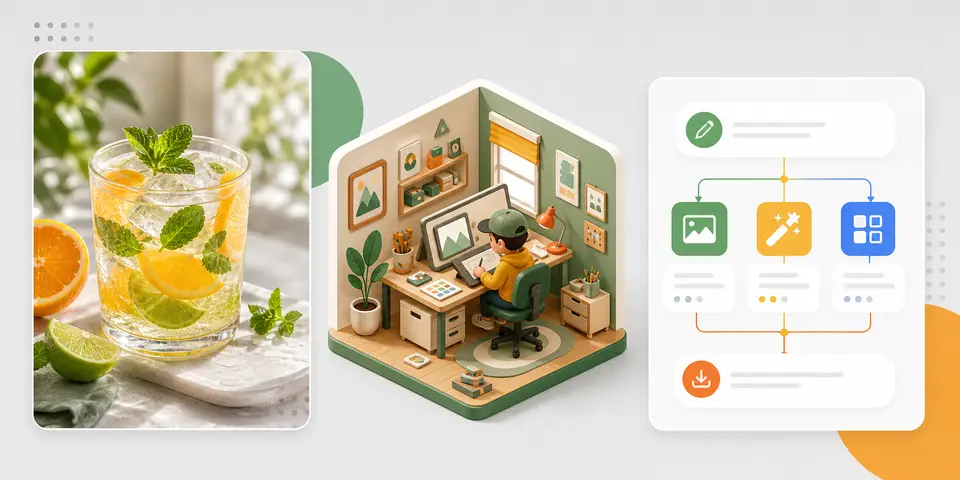
You can download a completed image, find it in My Creations, or use the available next-workflow actions to edit or animate it. Choose Image to Image for a visual change or Image to Video for motion. The next workflow has its own model controls and credit cost; a saved result does not include unlimited further generations.
7
How is Text to Image different from Image to Image?
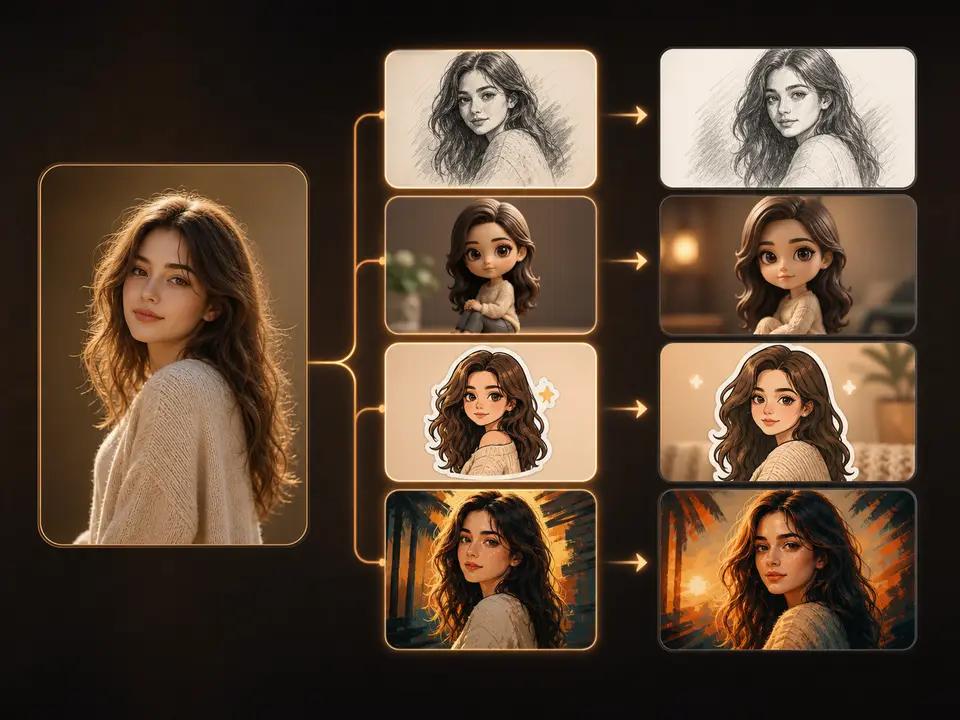
Text to Image starts with wording and creates a new visual. Image to Image starts with uploaded visual material plus instructions for a change. Use a text brief for an imagined scene, or a source photo when a person, product, or composition should guide the result. Neither workflow guarantees exact identity, typography, or product details.
8
Will the generated image match my prompt exactly?
Generated images may miss instructions or change text, logos, hands, and small details. Keep the brief focused, quote short wording explicitly, and review spelling and composition at the intended size. Use an editing workflow for a targeted revision or finish exact copy in a design tool. Additional generations use credits and may still vary.
9
How are Text to Image credits calculated?
The Text to Image editor displays the cost for the chosen model and settings before generation. Resolution, quality, or other supported options can change the amount; check the updated estimate before submitting. Guests can try one 1K image, shared with Image to Image. Resolution controls require sign-in. Further generations require sufficient credits. New accounts receive 40 credits valid for 30 days.
10
Can I use generated images commercially?
Review your rights to the prompt, references, depicted people, brands, and final use before publishing a generated image commercially. Use Imagine Scenes under its Terms of Service, Acceptable Use Policy, and applicable provider terms. A generated result does not verify copyright, permission, factual accuracy, or brand approval; inspect it before use.