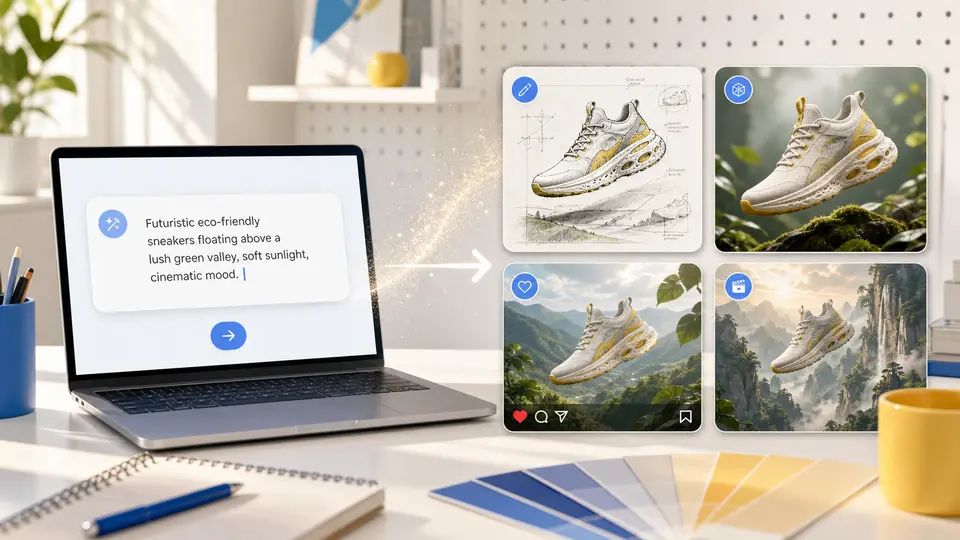
Write a thought, get a finished image
Describe the subject, scene, style, lighting, and mood in everyday language. The selected model interprets those details and produces an image you can review and refine.
Create an image
Describe the subject, scene, style, lighting, and mood in everyday language. The selected model interprets those details and produces an image you can review and refine.
Create an image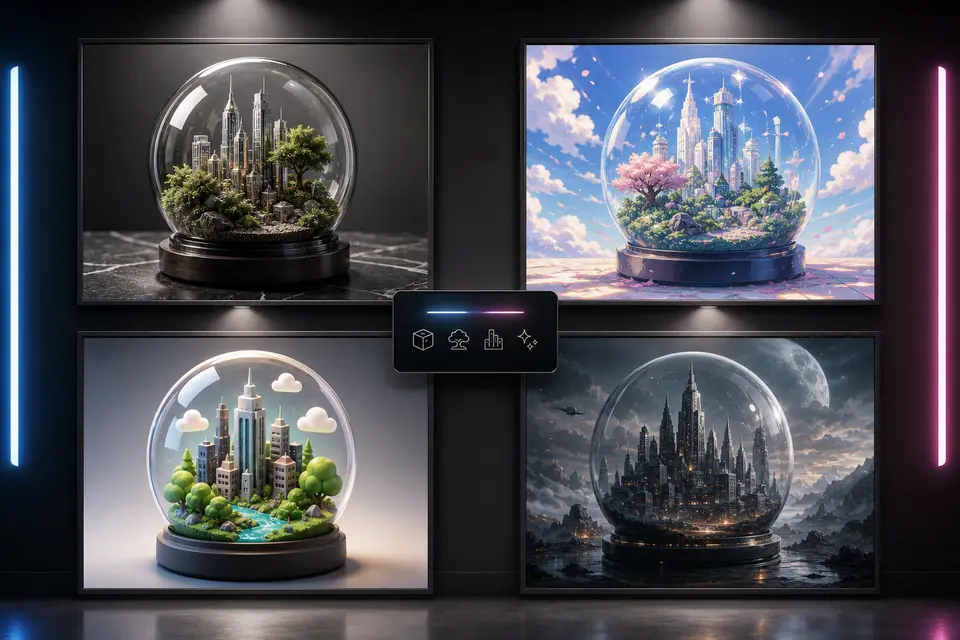
This page highlights popular models such as GPT Image 2, Nano Banana 2, Seedream 5.0, and Seedream 3.5 Pro. Each model has different strengths, such as in-image text, reference-based editing, photoreal lighting, or portrait consistency.
Create an image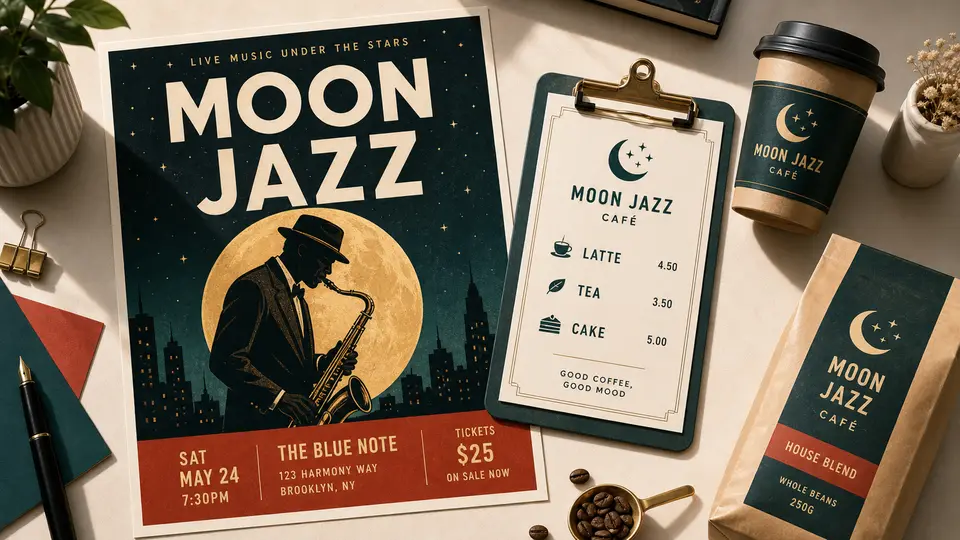
Add text to image through your prompt — poster headlines, e-commerce main-image taglines, menu prices, or product packaging copy. GPT Image 2, the OpenAI text-to-image model in the ChatGPT and DALL·E lineage, handles in-image text reliably; refine complex layouts with image-to-image.
Create an image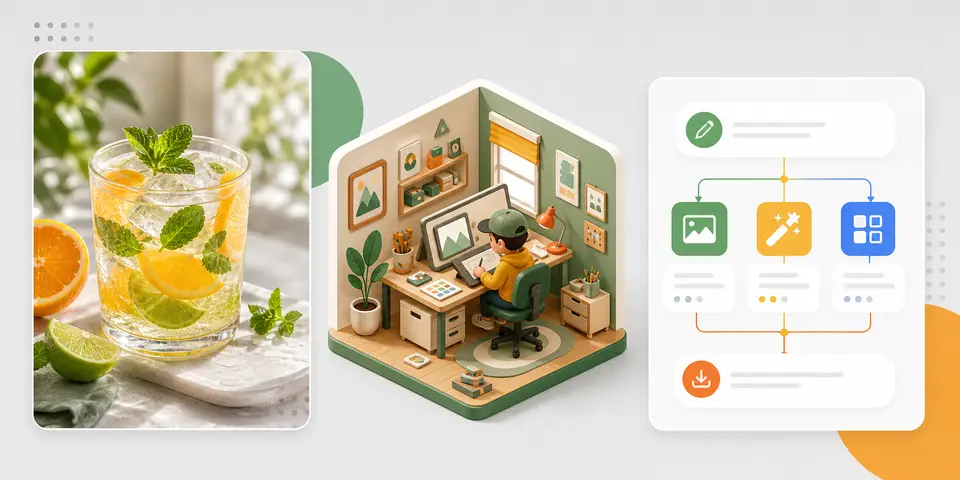
Create cinematic portraits, e-commerce hero shots, social covers, slide-deck visuals, flowcharts, and infographics from text. Switch model, change aspect ratio, or continue with image-to-image in the same studio.
Create an imageModel availability changes. The editor is the source of truth for the options and credit estimate available before each generation.
| Capability | What to expect | Basis |
|---|---|---|
| Starting input | A written description of the intended image | Workflow definition |
| Model, aspect ratio, resolution, quality, and cost | Use the choices and estimate currently shown in the editor | Live editor controls |
| Output | A newly generated image; exact text and fine details can vary | Provider guidance |
Everything you need to know before you start creating.
It turns a written description into an image, interpreting your subject, visual style, composition, and lighting.
Start with the subject and setting, then add visual medium, composition, lighting, and important details. Keep the first pass clear and focused.
The selected model, aspect ratio, and resolution affect the look, framing, delivery speed, and credit cost shown in the generator.
Choose based on the type of result and controls you need. Each model shows its supported aspect ratios, resolutions, and other options in the generator. Reusing a prompt across models can help you compare different visual interpretations.
Yes. You can download it, send it to Image to Image for refinement, or use it as the source for Image to Video.
Text to Image creates a new visual from a written description without requiring a source image. Image to Image starts from an uploaded image and uses it as reference while applying the changes described in your prompt.
Not always. AI results vary, especially with exact text, logos, hands, crowded scenes, or several conflicting instructions. Begin with a clear subject and composition, then refine one detail at a time.
Imagine Scenes shows the estimate before generation. The amount depends on the selected model and its supported settings, such as resolution or quality. Review the estimate again after changing a control.
Make sure your prompt, source material, and final use respect copyright, likeness, and applicable model or plan terms.
Select a secure payment provider to continue.
Create amazing AI-generated videos and images
Create a new account with Google or GitHub to claim them. Unused credits expire 30 days after signup.
By continuing, you agree to the terms and privacy policy.