STEP 01 · Upload
Start with a complete look
Upload one clear photo with clothes and accessories visible.
Upload a photoStart with one clear outfit photo. The layout is already set.
Upload one clear photo with clothes and accessories visible.
Upload a photoChoose the ratio and resolution, check the credit cost, and click Generate.
Set the frame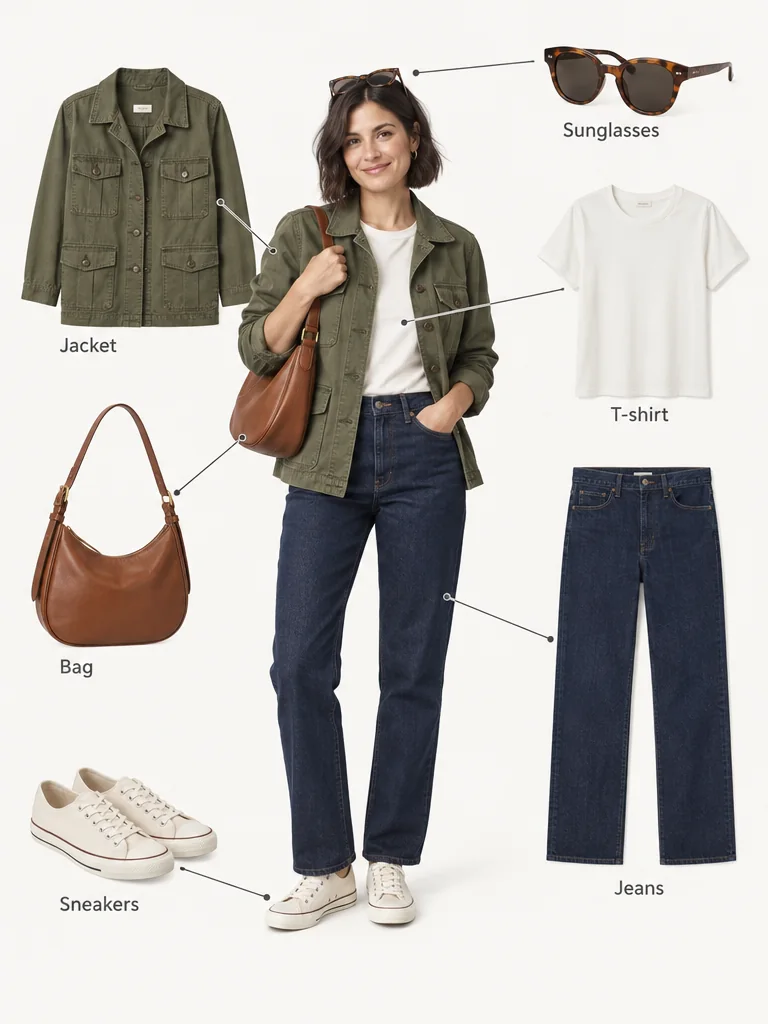
Compare clothing, accessories, and labels with your source photo. Use Download to save the image, or find it later in My Creations.
Start editingCasual layers, tailored workwear, and a dress with accessories all use the same labeled layout. Review every result against your source; these fictional comparisons illustrate the effect.
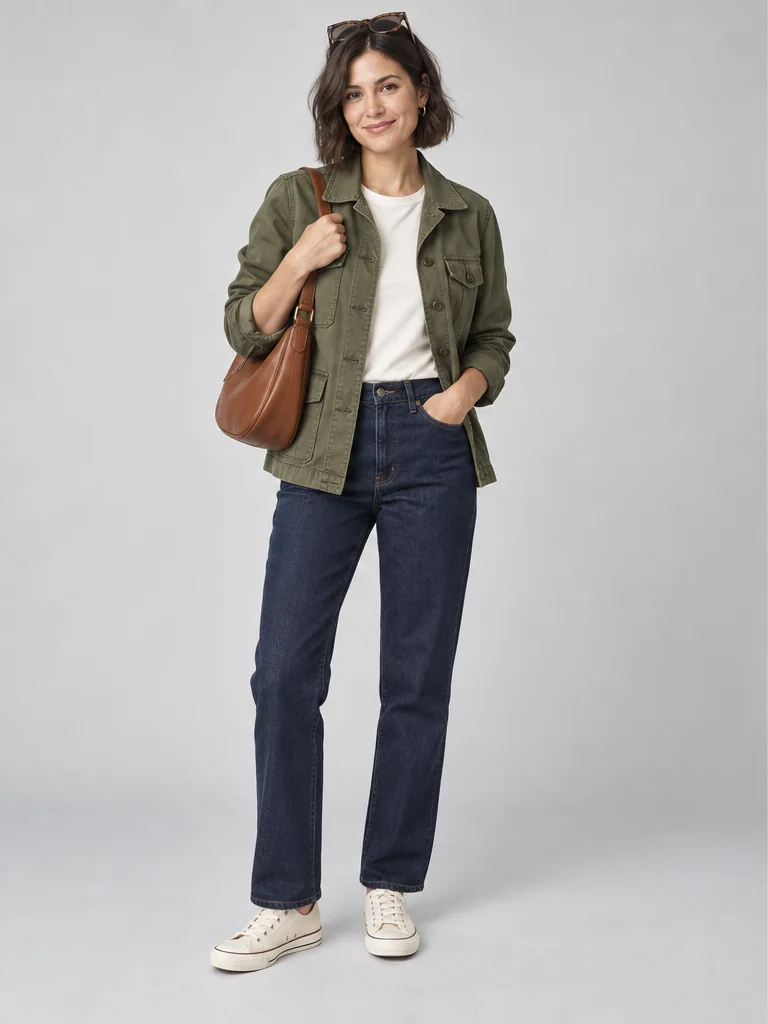
Turn a jacket-and-jeans photo into a fashion breakdown for an outfit post. The person anchors the look while separate clothing and accessory images show what went together. Include the shoes and bag in your source, then check pockets, colors, and patterns in the result before sharing.
Upload your everyday look
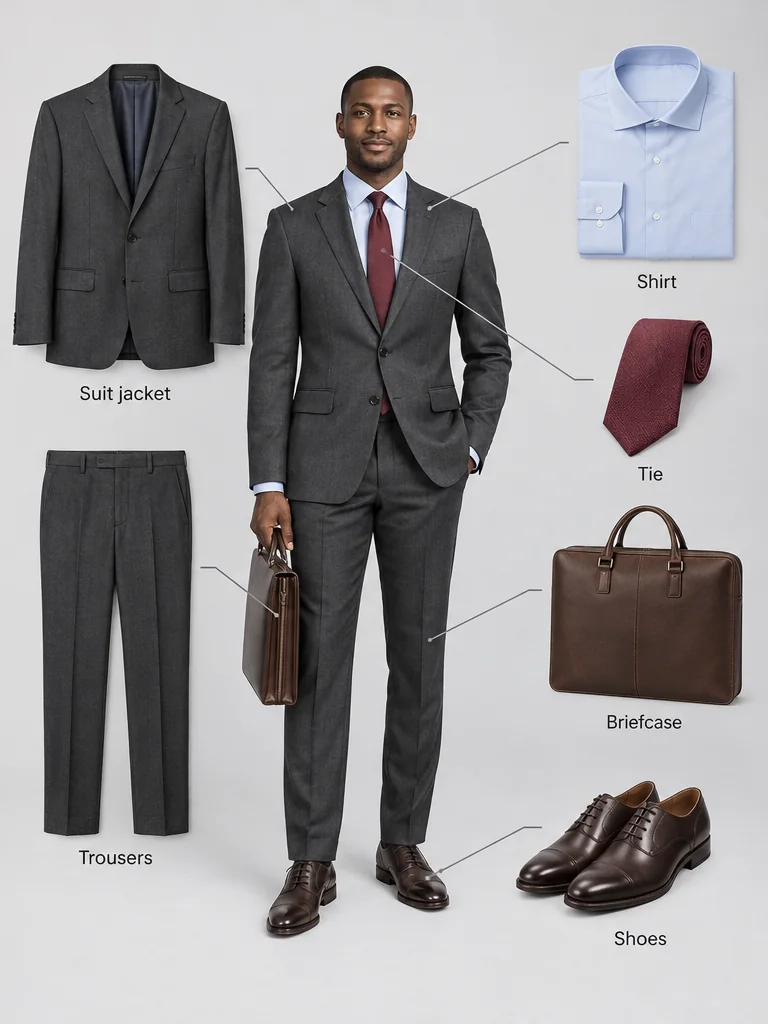
Use a full-body workwear photo to show how a jacket, shirt, trousers, tie, shoes, and briefcase form one outfit. The same labeled layout works for a man's look without choosing a separate mode. Compare tailoring details with the source; generated pieces cannot establish sizing, fabric composition, or a product SKU.
Upload your workwear look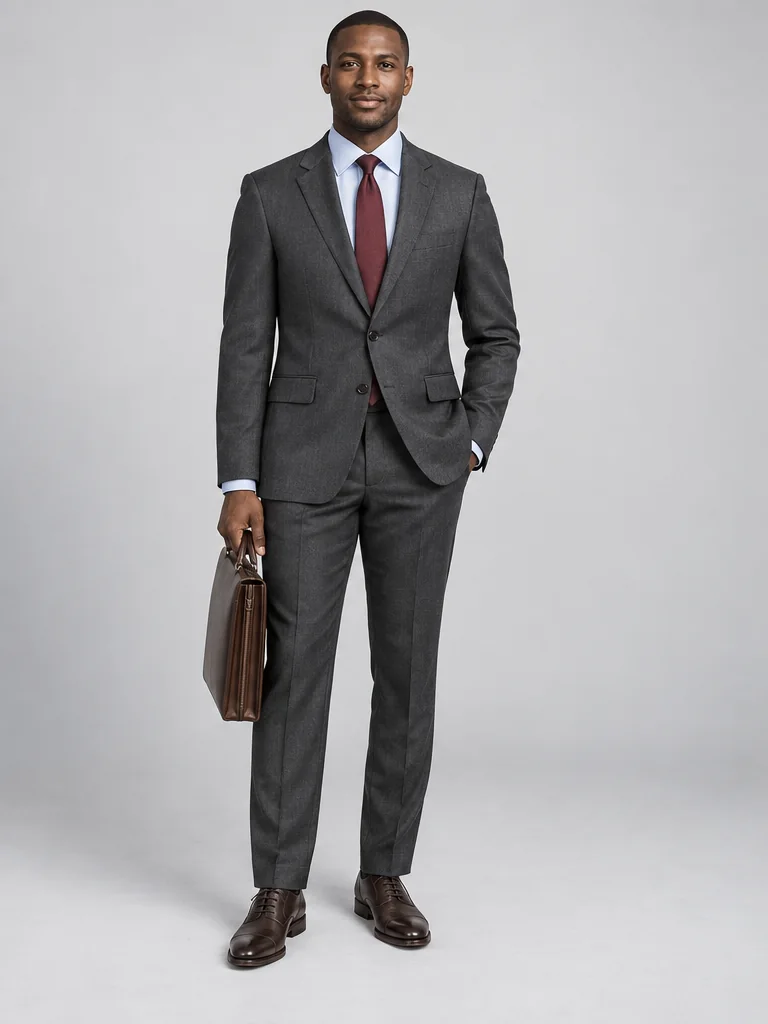
Create a breakdown from a dress photo where the bag, shoes, earrings, and necklace are visible. Keep the person and complete outfit together while the surrounding items make the styling choices easier to see. Small accessories may be redrawn or missed, so compare their shape and color before publishing.
Upload your dress outfit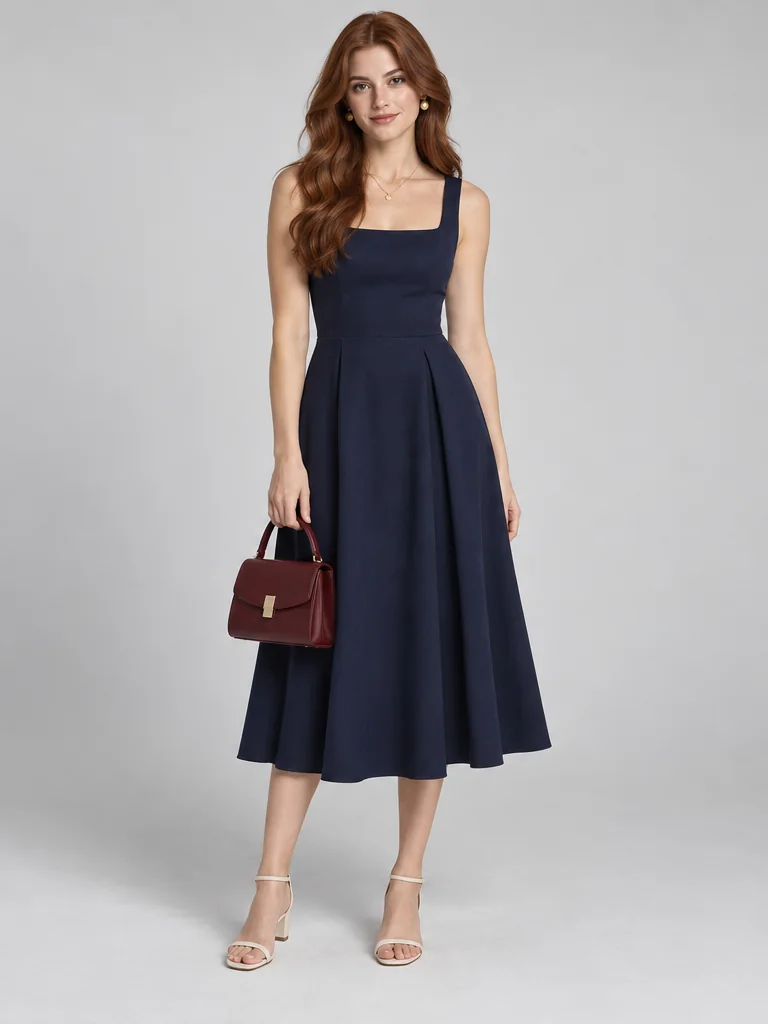
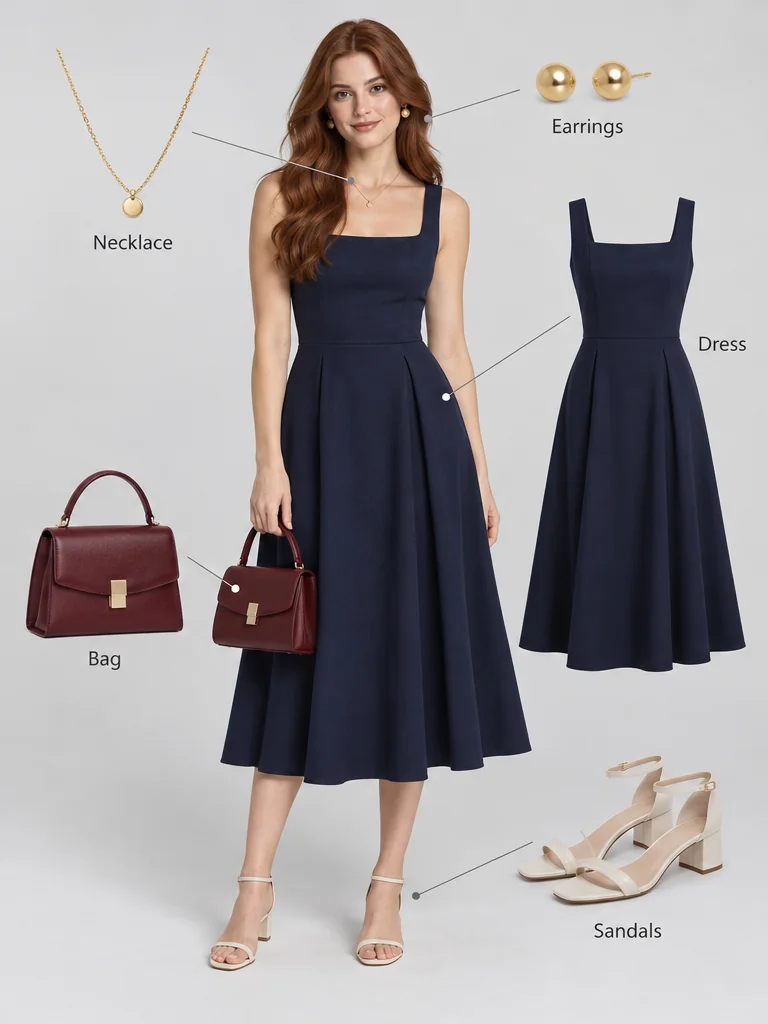
AI Outfit Breakdown has one fixed effect: the fully dressed person stays in the center, with matching clothing and accessories arranged around them, connected by thin lines and short English item-name labels. You can change the aspect ratio and resolution. There are no presets, custom prompts, or reference-image modes.
AI Outfit Breakdown produces one combined image with the fully dressed person and labeled representations of the visible clothes, shoes, bag, and accessories. The person remains in the result. A clothing-only flat lay and separate item downloads are not available. Generated garment details can vary, so compare them with the original photo.
Upload one JPEG, PNG, or WebP photo of a single person with the full outfit in frame. Clear lighting and visible shoes, bags, and accessories give AI Outfit Breakdown more detail to work with. Small jewelry and partly hidden garments may be missed or approximated. Use a photo you have permission to edit.
You can view the editor and examples without signing in. Generating an image requires an account and enough credits for the selected resolution. New accounts receive 40 signup credits, valid for 30 days. The Generate button shows the current cost before you submit; each new generation uses credits.
After generation completes, use Download on the result to save the combined image. You can also find completed images in My Creations while signed in. The download contains the person, surrounding items, and labels in one flattened image; it does not include separate clothing files or editable layers.
Any credits charged for a failed generation are returned. Follow the error message and try again. If generation completes but a face, garment detail, or label looks wrong, try a clearer source photo with the full outfit visible. Review the new result before sharing; each new generation uses credits.
Upload one outfit photo. Generate one image with matching pieces and labels around the person.
Upload an outfit photo
Select a secure payment provider to continue.
Sign in with Google or GitHub to generate and access your saved creations.
Create a new account with Google or GitHub to claim them. Unused credits expire 30 days after signup.
By continuing, you agree to the Terms of Service and Privacy Policy.