STEP 01 · Upload
Start with a clear face
Upload a clear portrait with your face and hair visible.
Upload a photoFollow the illustrated workflow from upload to review. The shown looks are examples, not guaranteed generations.
Upload a clear portrait with your face and hair visible.
Upload a photoPick an illustration style or describe your own.
Choose a directionSet the frame and resolution; check the credit cost.
Set the frameCompare your avatar with the original, then save it.
Start editingUse preset illustration styles to explore portraits for profiles, graphics, and keepsakes. No drawing skills are needed; compare each result with your original face.
Choose Editorial cartoon for clean lines and natural color, without drawing, editing software, or writing a prompt. Your photo guides the character; check the finished face before sharing.
Choose a cartoon style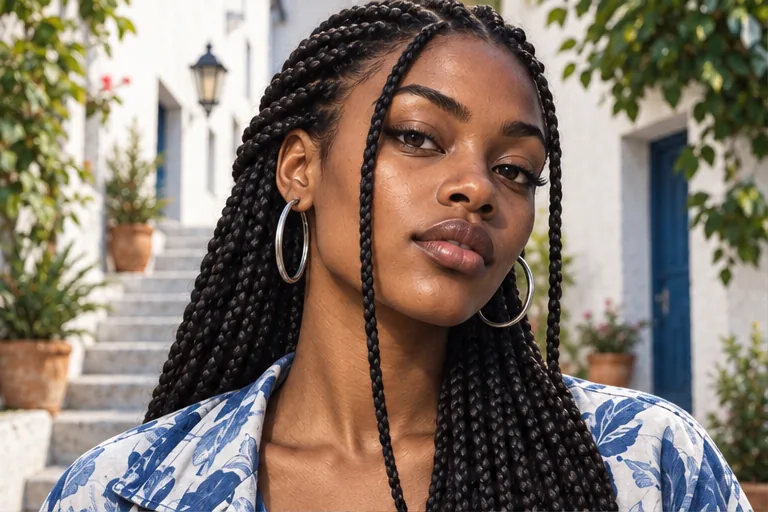
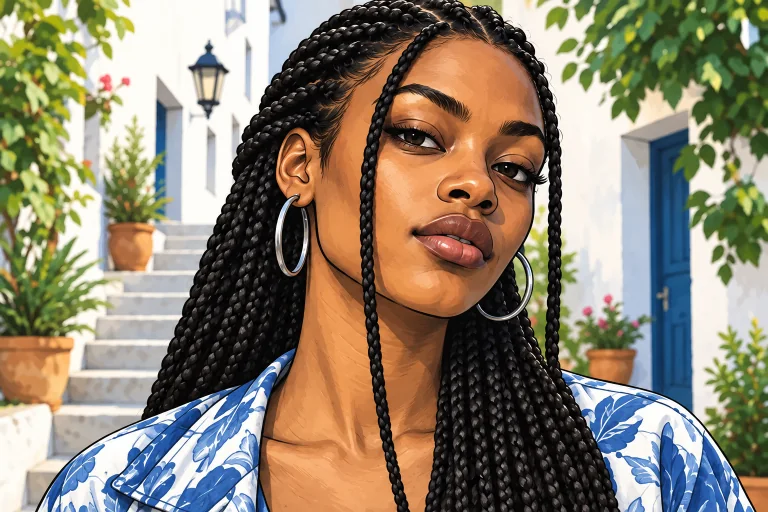
Move from ink to a softer dimensional look, or describe your own palette in Custom. Each generation gives you a new image to compare with your original portrait.
Explore more styles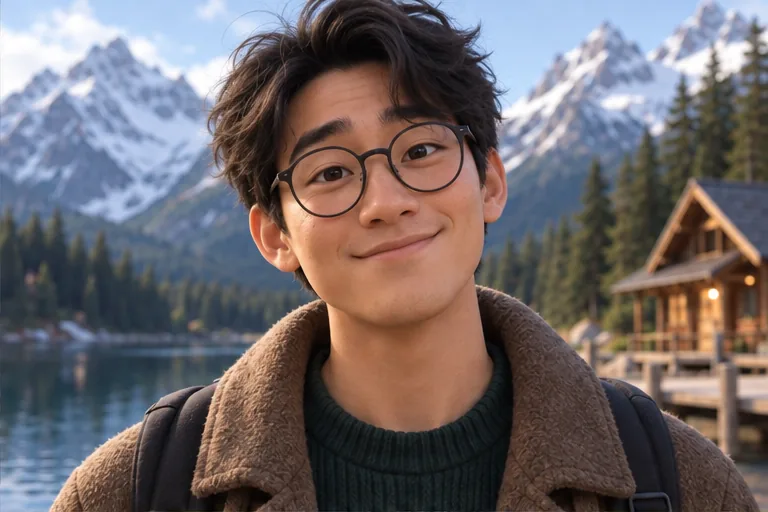
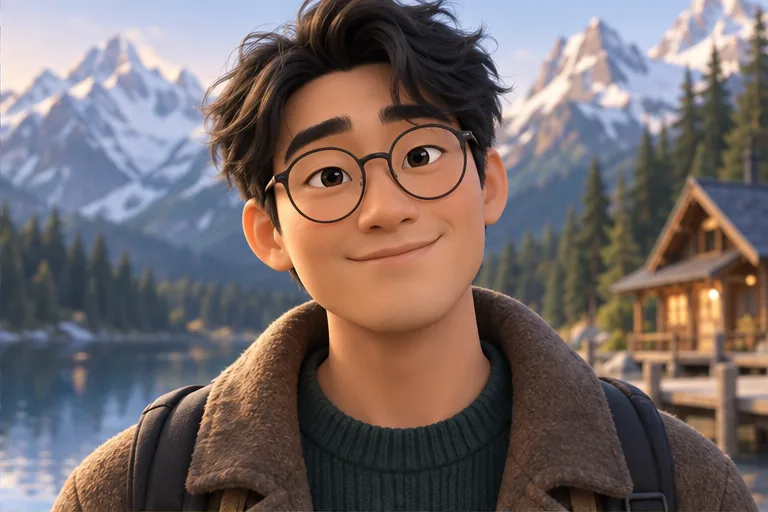
Retro halftone, strong color, and bold outlines can read well on a channel banner or event graphic. Download the result without an added ImagineScenes watermark, then check the crop and facial likeness at its final size.
Create and download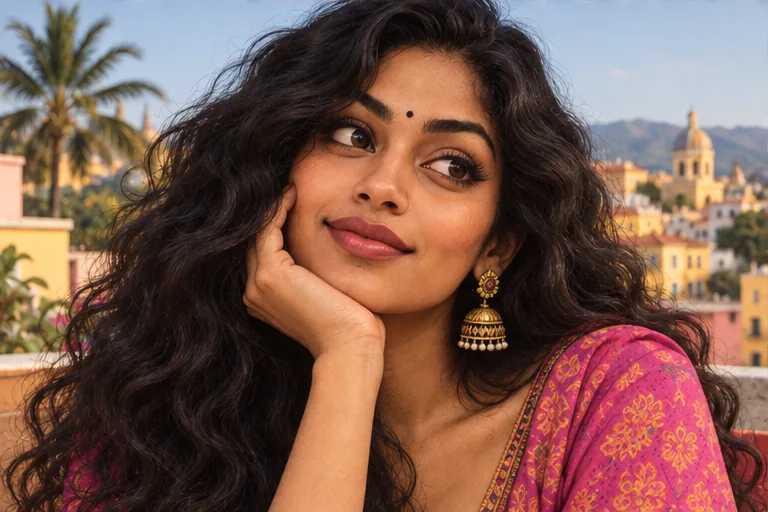
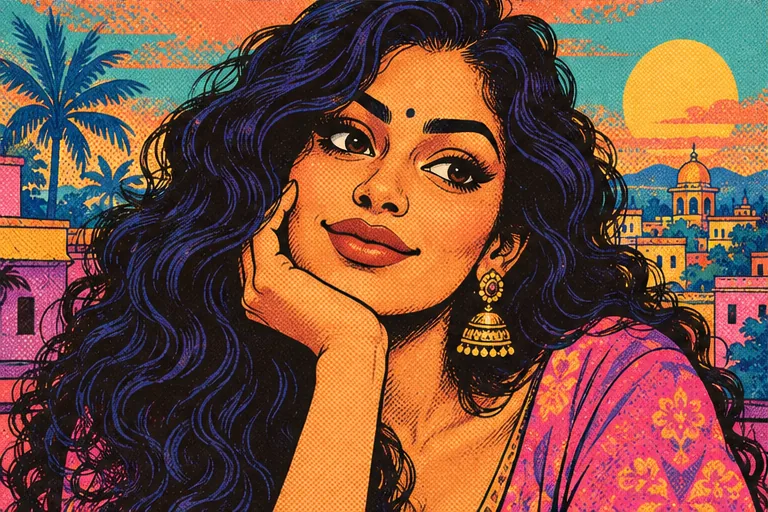
A pastel storybook treatment suits personal portraits and keepsakes when you want less contrast than a comic look. Use a preset to begin, or guide the texture in Custom. Each attempt uses the displayed credit cost; new accounts have 40 credits for 30 days.
Try a pastel look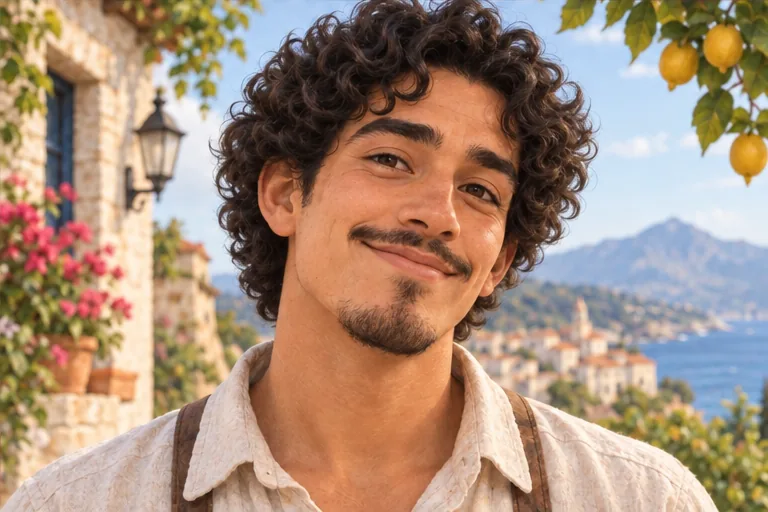
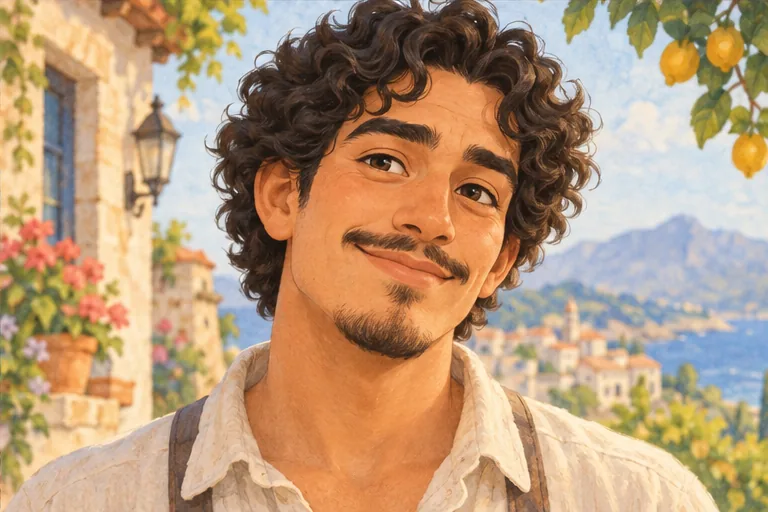
Upload a clear portrait, choose one of 12 cartoon styles or describe a look in Custom, then select an aspect ratio and resolution. The Generate button shows the credit cost before you submit. Review the result beside your original, then download it or find it in My Creations.
You can explore the editor without an account, but you need to sign in to generate. New accounts receive 40 credits for 30 days. The cost depends on your settings and appears before submission, so check whether your available credits cover the image you want.
The edit aims to keep your face recognizable, but a strong illustration style can simplify eye shape, freckles, hair, and small accessories. Use a sharp, front-facing portrait and a more detailed style when likeness matters. In Custom, describe the features you want to keep, then compare the result with your original.
Yes. Start with a portrait that leaves room around your head, choose a style that remains clear at a small size, and select an aspect ratio for your intended profile crop. Download the generated image and preview it in the profile picture's circular or square frame before using it.
Choose from 12 written style presets or use Custom to describe your own look or upload one style reference. Preset pictures are examples, not images sent with your portrait. Describe broad visual qualities such as ink lines or watercolor texture; an exact copy of a named character is not promised.
Choose a source image, give the model one clear direction, and review the result before using it.
Upload a photo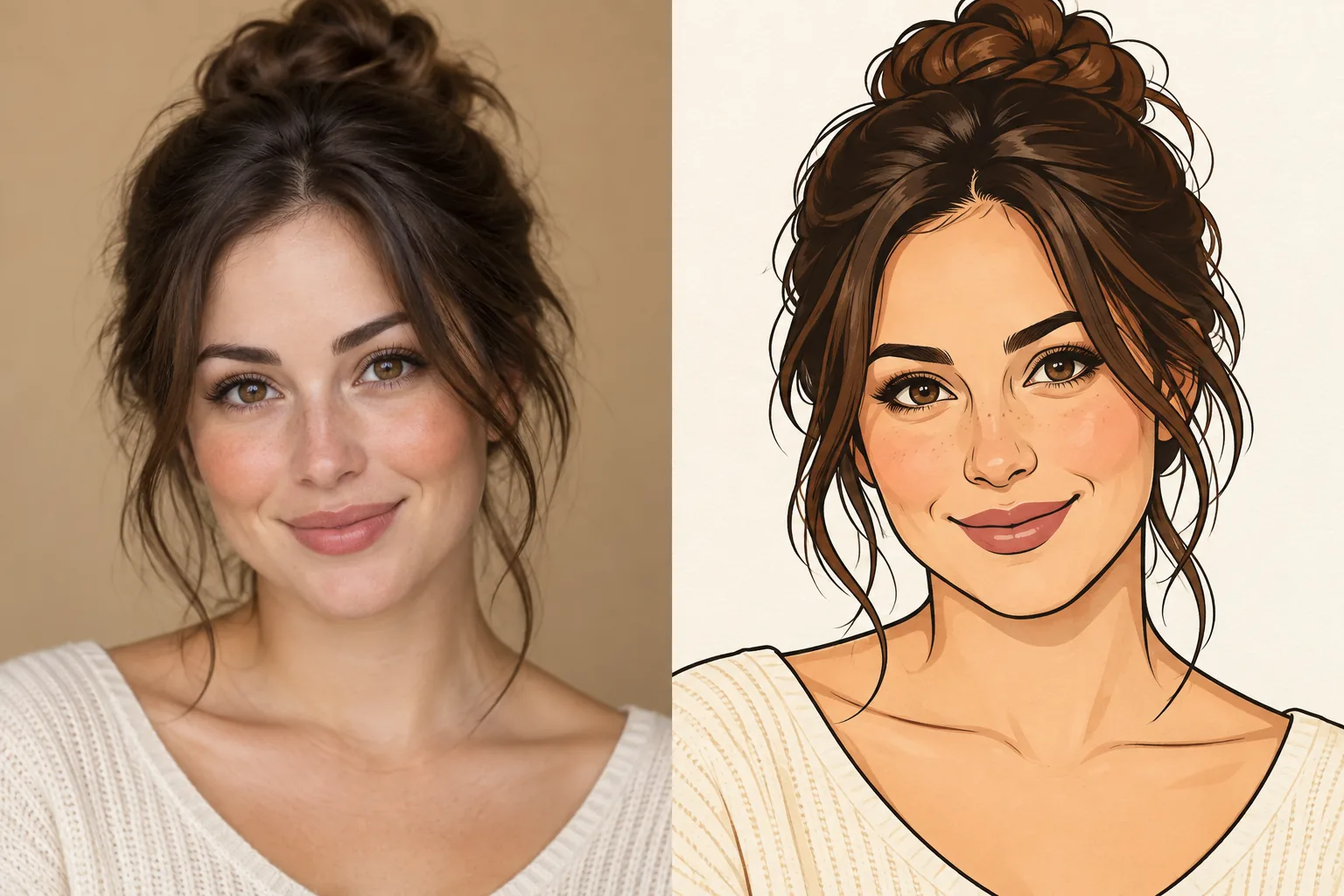
Select a secure payment provider to continue.
Create amazing AI-generated videos and images
Create a new account with Google or GitHub to claim them. Unused credits expire 30 days after signup.
By continuing, you agree to the Terms of Service and Privacy Policy.