STEP 01 · Upload
Start with a clear portrait
Upload a clear photo with one visible face.
Upload a photoFollow the illustrated workflow from upload to review. The shown looks are examples, not guaranteed generations.
Upload a clear photo with one visible face.
Upload a photoChoose a life stage from baby through age 90.
Choose a directionSet the frame and resolution; check the credit cost.
Set the frameExplore fictional life stages from baby to 90 for stories and personal projects. These images are creative simulations, never recovered memories or predictions.
Upload a portrait and choose a life stage from baby to 90. The preset supplies the direction, so you can start without manual retouching or a written prompt. Every result is an imagined portrait.
Choose an age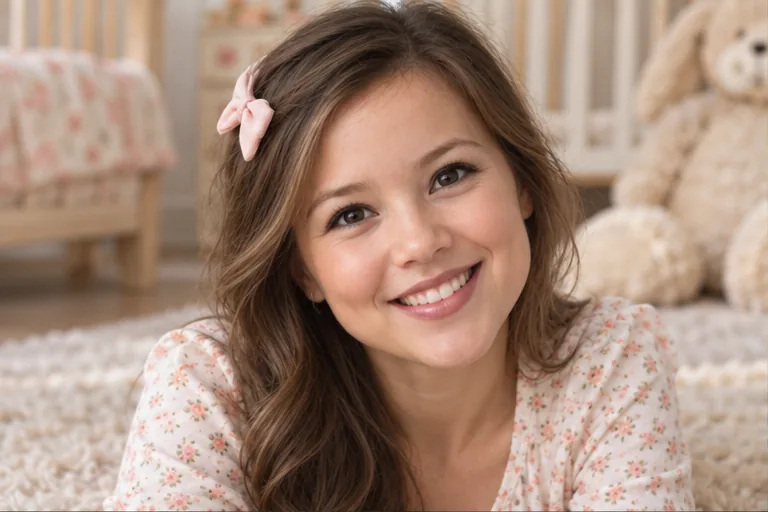

Try childhood, teen years, adulthood, or later decades as separate creative looks. Use the results for a fictional timeline, while keeping them clearly labeled as simulations rather than real memories.
Explore another age
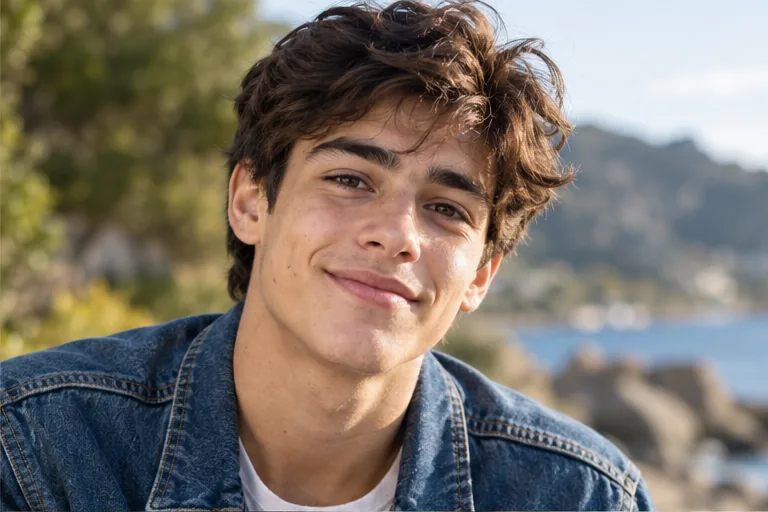
A 60-year-old interpretation can change hair, skin texture, and facial structure without becoming a dramatic caricature. Compare it beside the source portrait and label the saved image as an artistic simulation. Downloads have no added ImagineScenes watermark.
Create and download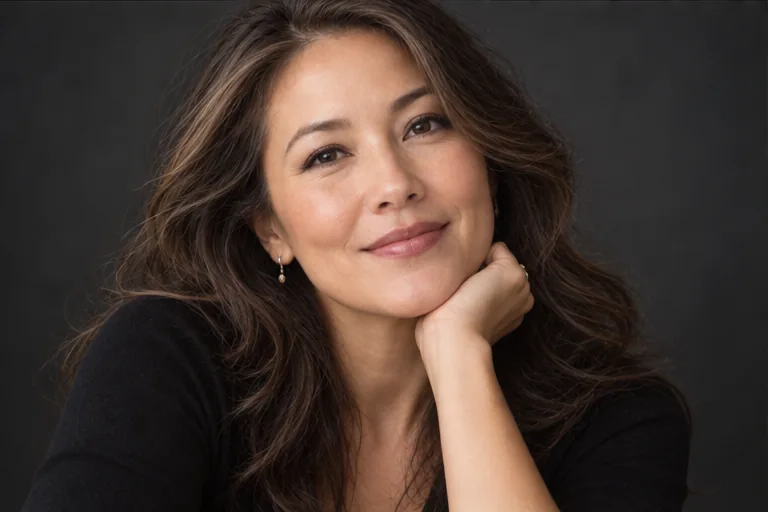
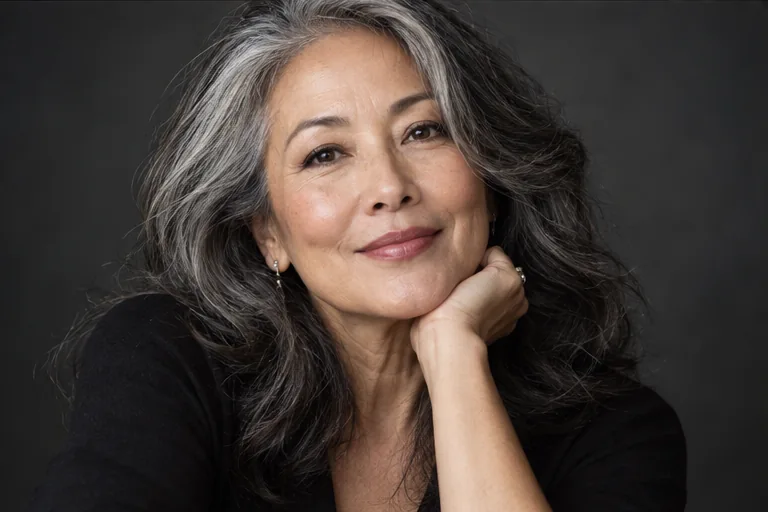
Try an age-90 portrait for a fictional character timeline or personal thought experiment. It cannot tell you how anyone will really age. New accounts get 40 credits for 30 days, with the generation cost shown before submission.
Try an older look
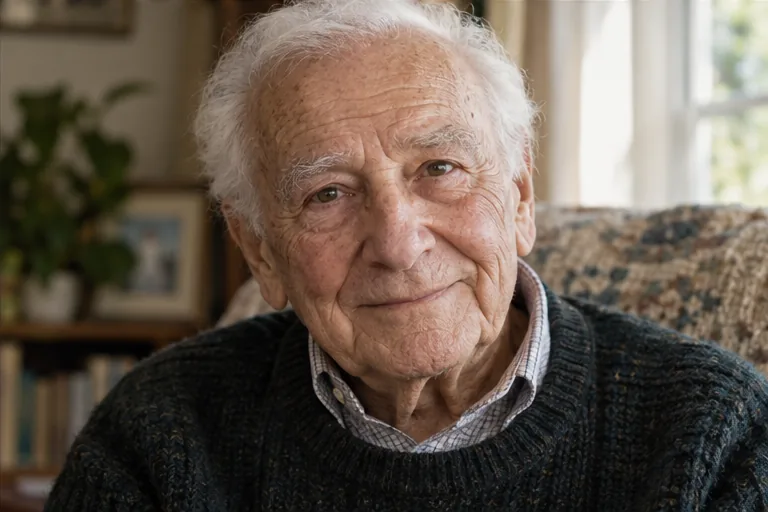
Upload a clear portrait and choose an older life-stage preset, up to age 90, or describe another target age in Custom. The result is a fictional visual possibility, not a prediction of how you will actually age. You can compare it with your original and download the image.
The selected age is an approximate visual direction. One photo cannot reveal future genetics, health, or life history, so the image cannot verify your past or predict your future face. Lighting, filters, and large age jumps may also change how closely the result resembles you.
Yes. Choose a younger life-stage preset or describe the age you want in Custom. A smaller age change may keep your face more recognizable; child and baby stages can change proportions much more. Compare the generated image with your source before saving or sharing it.
You can inspect this editor without signing in, but generation requires an account. New accounts receive 40 credits for 30 days. The Generate button shows the cost for your selected settings before you submit, so check your available credits first.
Yes. Select the baby preset to make a fictional baby version from your portrait. Younger faces have different proportions, and the result is not a reconstruction of your actual baby photo. The request uses age-appropriate clothing, and the model may change other details too.
Choose a source image, give the model one clear direction, and review the result before using it.
Upload a photo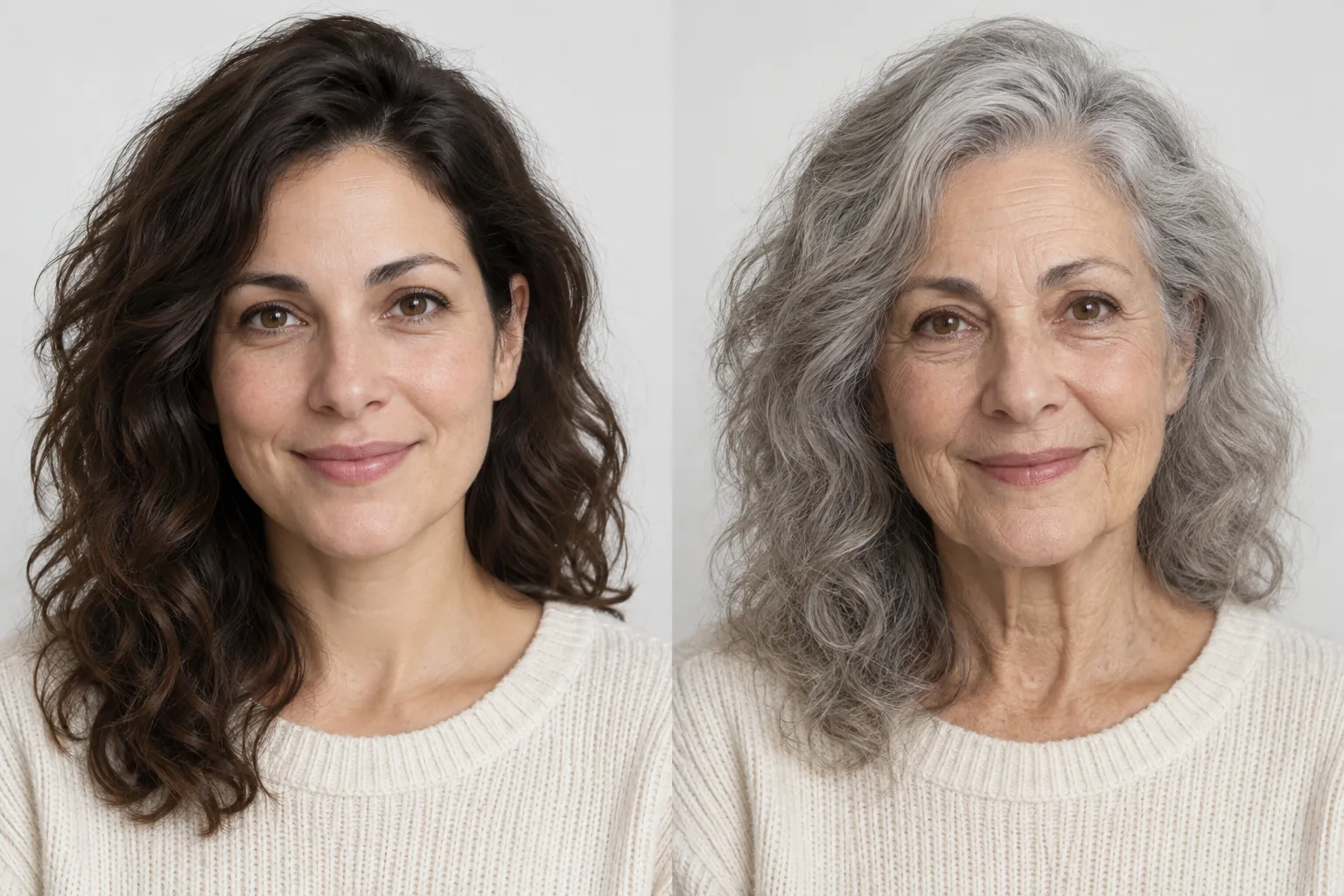
Select a secure payment provider to continue.
Create amazing AI-generated videos and images
Create a new account with Google or GitHub to claim them. Unused credits expire 30 days after signup.
By continuing, you agree to the Terms of Service and Privacy Policy.