1
Can I generate a YouTube thumbnail for free without logging in?
Yes. ImagineScenes includes one successful 1K YouTube thumbnail generation without login or signup. Failed generations do not use that try. Sign in to choose 2K or 4K, generate another cover or refine a completed result. Check the credit estimate before each paid generation.
2
How do I make a YouTube thumbnail from text or a prompt?
Choose Topic and describe your video's subject, main action and setting. For example, describe a compact-camera review on a city street, then choose Tech review. Enter a short headline if you want lettering, or leave Title in the image blank for a cover without text. Generate and review the finished image before downloading.
3
Can I generate a thumbnail from a YouTube video link?
Yes. Choose YouTube Link, paste a supported public video URL and extract its title. Edit that topic before generating. ImagineScenes imports only the title and channel name; it does not watch the video, analyze its transcript or select frames. For a specific scene, upload your own still image through Upload Face and describe the video.
4
Can I make a thumbnail from my own photo?
Yes. Choose Upload Face, add one clear portrait, product photo or video still, and describe the topic. The photo guides the subject while the AI changes the composition, lighting and background. It does not guarantee an exact face or product match, so compare important details with the original before publishing.
5
Which YouTube thumbnail templates can I choose?
Choose Auto or browse 14 visual directions, including Reaction, Tech review, Tutorial, Gaming, Business, Travel and podcast styles. Match the direction to your video's subject, then add a headline and expression if needed. These templates guide a newly generated image; the tool does not supply editable PSD files or separate design layers.
6
Is the title generated inside the image?
Yes. ImagineScenes renders your Title in the image text directly into the generated thumbnail. Enter the exact short phrase you want, or leave the field blank for no lettering. The title is part of the image rather than an editable text layer. Review spelling and readability before publishing.
7
Can I edit the text on an AI-generated thumbnail?
Change Title in the image and choose Regenerate for a new cover, or use Refine on a completed result to describe a text change. Both actions generate a new image and use credits after the free try. You cannot click individual letters or move a text layer, and even a text-only request may change other visual details.
8
How can I fix misspelled or cut-off thumbnail text?
Shorten the headline and check it in Feed preview as well as full size. Use Refine to request the exact spelling, larger letters or more space around the title, then inspect the new result. AI lettering can still contain errors or cropping; regeneration is a request for improvement, not a guaranteed correction.
9
What size and aspect ratio should a YouTube thumbnail be?
Choose 16:9 for a standard video thumbnail. YouTube currently recommends 3840 × 2160 pixels for video thumbnails; see the linked YouTube guidance for current format and upload limits. ImagineScenes offers a free 1K trial and paid 2K or 4K generation. Check the downloaded image's actual dimensions and file size before upload; these presets do not promise an exact export size.
10
Can I create a vertical thumbnail for YouTube Shorts?
Yes. Choose 9:16 to generate a vertical cover and keep important text and faces away from the edges. YouTube's current guidance supports uploading custom Shorts thumbnails through YouTube Studio on a computer with a verified account. ImagineScenes creates the image; it does not publish to your channel or control how YouTube crops the cover across surfaces.
11
Why does my YouTube thumbnail look blurry or hard to read?
Inspect the downloaded original rather than a screenshot of the preview. A small preview, low-resolution source photo or crowded headline can make details hard to read. Use a clear source, simplify the title and check Feed preview. Signed-in users can request 2K or 4K, but higher resolution cannot guarantee sharper source details or correct AI lettering.
12
Will an AI thumbnail improve my YouTube click-through rate?
No thumbnail generator can guarantee more clicks or views. Use a cover that clearly represents the video, make the subject and title readable at a small size, and compare results using your channel's analytics. ImagineScenes' Feed preview shows the image at a smaller size; it does not predict CTR, score performance or run an A/B test.
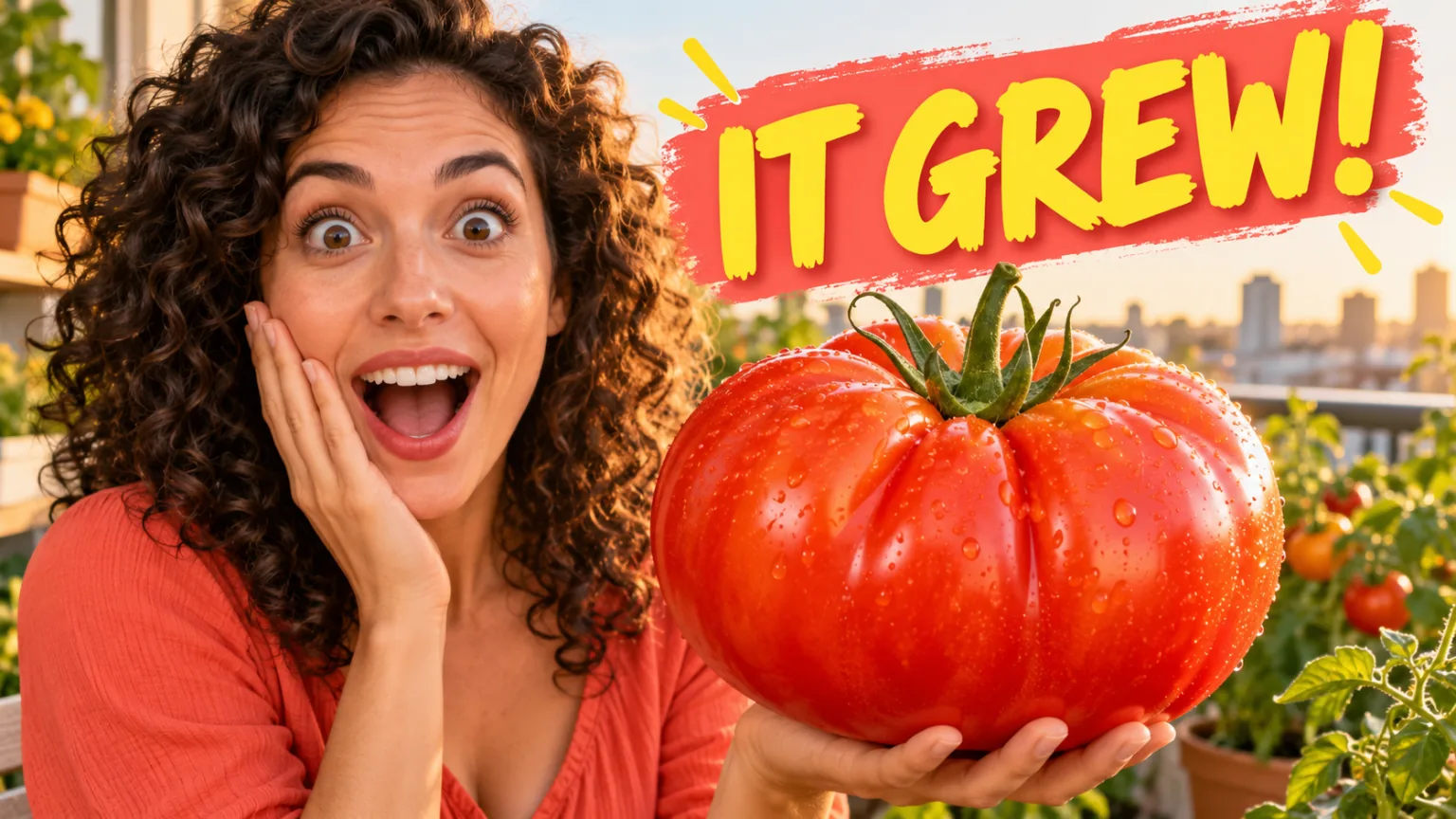 Reaction
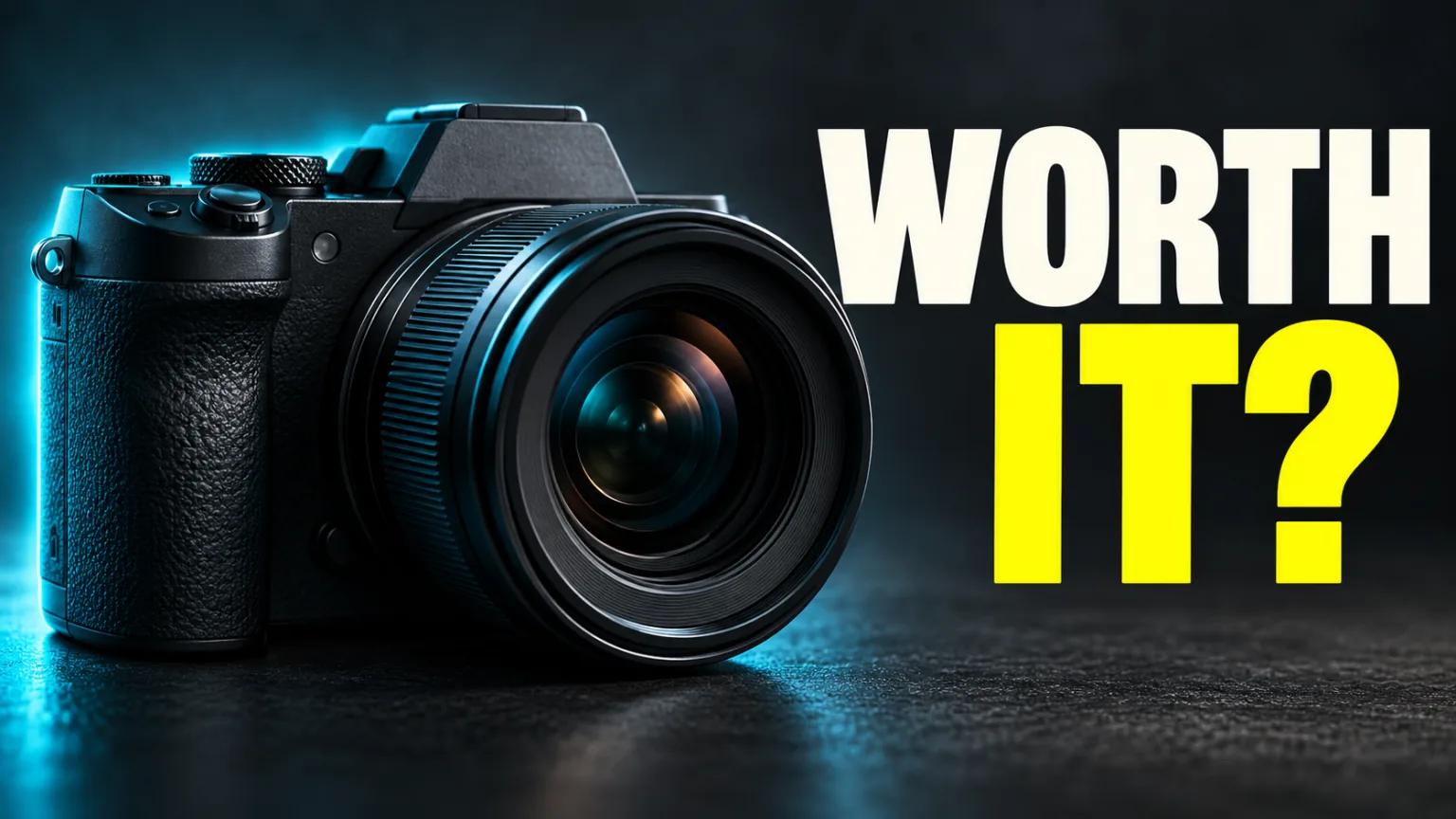 Tech review
 Travel