STEP 01
Import a product or upload a photo
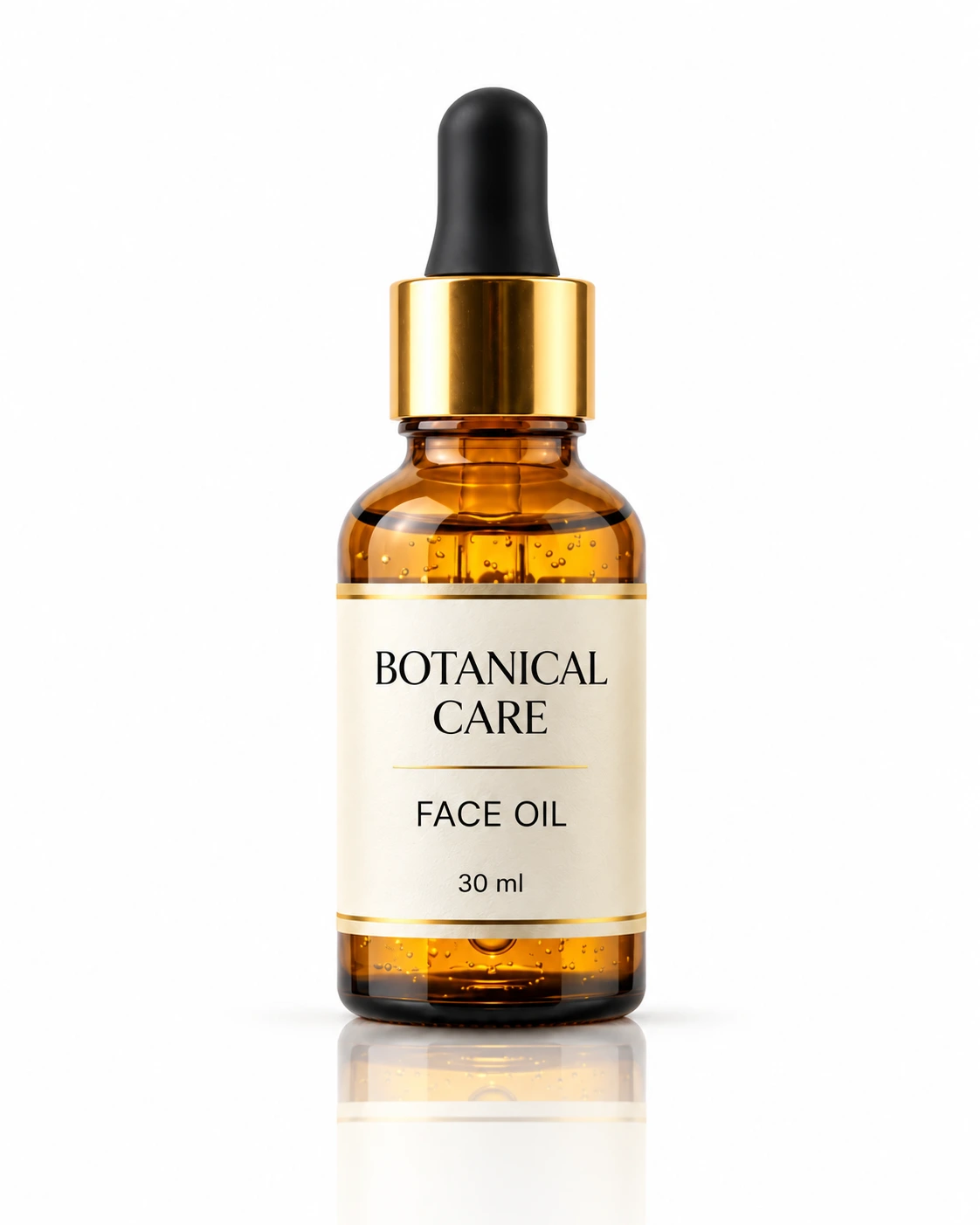
Import a product store URL or upload your own Product Image. Enter the product name and brand, then edit the ad headline, benefits and CTA button label.
Upload a photoYour generated results will appear below.
Create Facebook and Instagram ad images from a product photo or store URL. Add a headline and CTA. Try one 1K ad free, no login required.
Import a product store URL or upload your own Product Image. Enter the product name and brand, then edit the ad headline, benefits and CTA button label.
Upload a photoChoose 4:5 Feed, 1:1 Square, 9:16 Story or 16:9 Banner. Guests generate at 1K; signed-in users can choose 2K or 4K.
Set the frame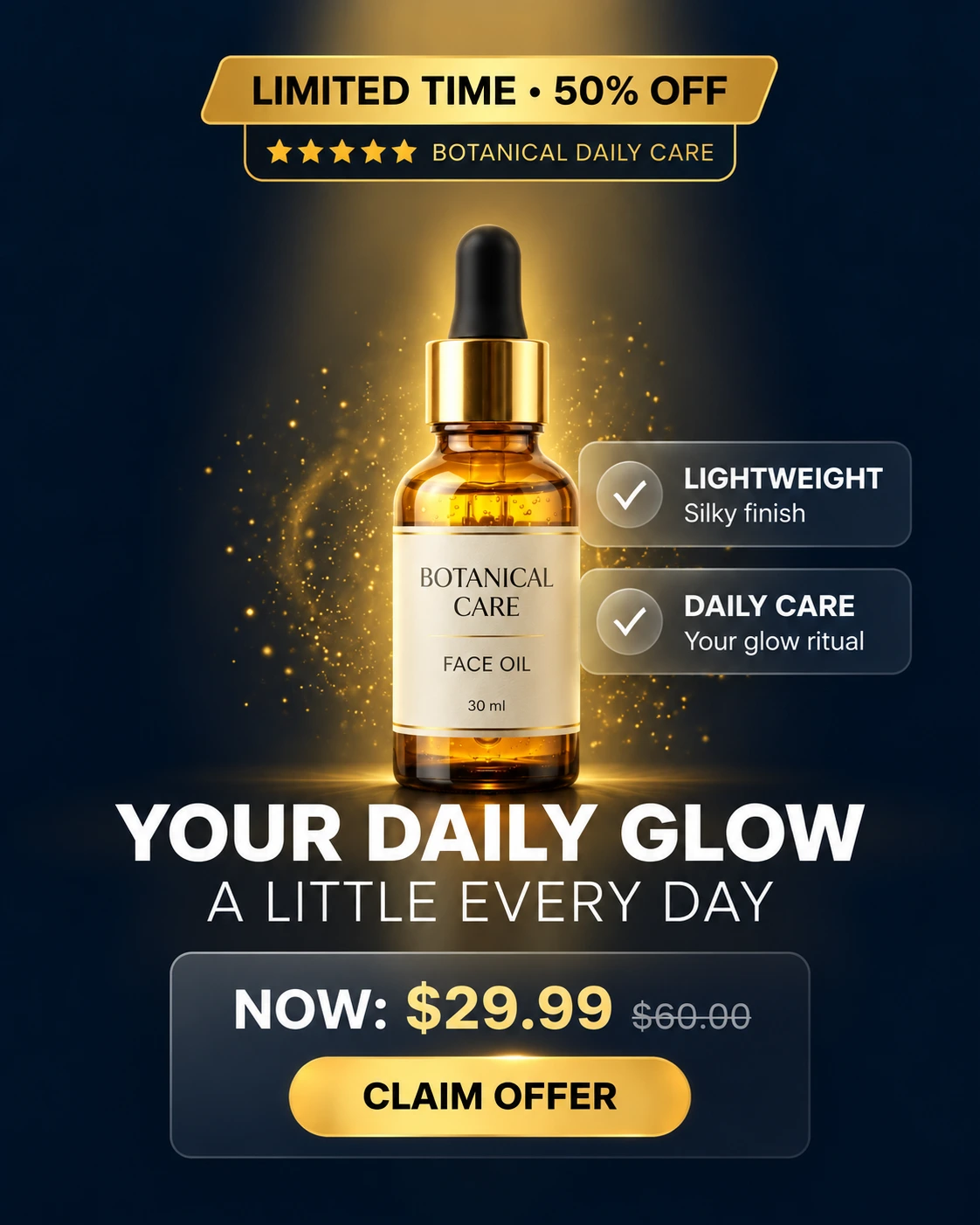 Hero Benefit Callout
 UGC & Social Proof
 Minimalist Luxury
Choose Hero Benefit Callout, UGC & Social Proof or Minimalist Luxury, then generate one product ad.
Choose a direction
Switch between Image and Feed preview to see the same ad on its own or in a post layout. Open Full size or download the finished image.
View outputCreate one static product ad with your own headline, benefits and call-to-action. These layouts show different ways to arrange a product photo and campaign copy for Facebook, Instagram or a display banner.
Turn a product photo into a navy-and-gold offer ad with Hero Benefit Callout. Supply the discount, two benefits, current and previous prices, and CTA text. Choose 4:5 Feed or 1:1 Square for a Facebook or Instagram ad image.
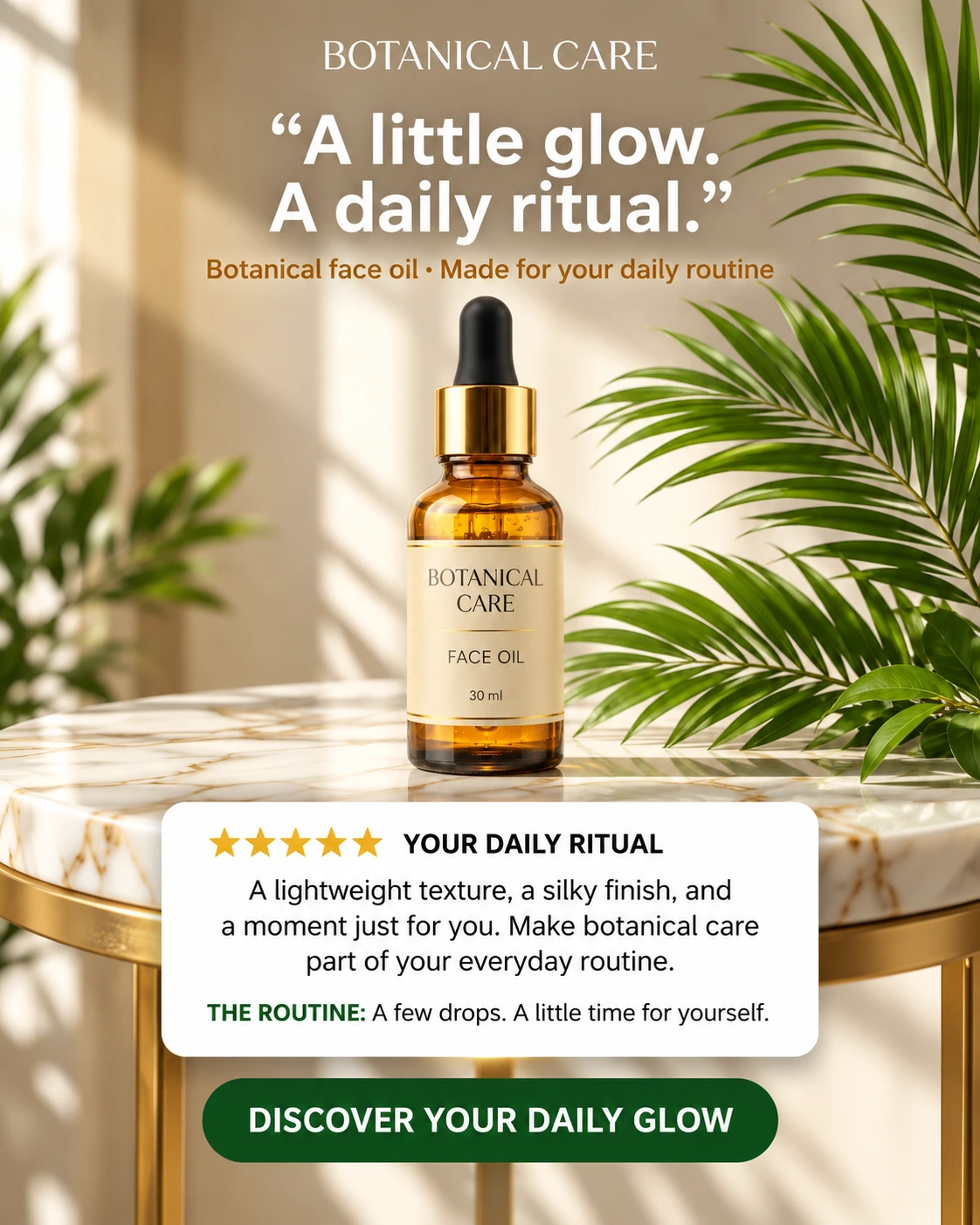
Choose UGC & Social Proof to place your product on warm marble with palm leaves. A white card holds the benefits or customer quote and attribution you provide, with a green CTA beneath it. Use this layout to connect a product image with a daily routine or customer story.
Choose Minimalist Luxury for a product on a travertine pedestal, olive shadows and a two-line serif headline. Supply the short copy for two gold medallions and a black CTA, or select No CTA button. This direction gives a beauty or lifestyle product space around its packaging and offer.
AI Ad Generator includes one free 1K image for a guest without login or signup. Each image tool has its own free try. Failed generations do not use the trial. Sign in to choose a higher resolution or create more images with credits.
Yes. Upload a product photo, enter the product name and brand and supply your headline and benefits. Choose a CTA button label or enter custom text, select the ad format, then choose Hero Benefit Callout, UGC & Social Proof or Minimalist Luxury. AI Ad Generator creates one static ad per submission.
Import product reads the product name, brand, description, available selling points and product images from a public Amazon, Etsy, eBay or .myshopify.com storefront link. A usable product photo is placed in the photo input, and the copy remains editable. Existing headline and CTA text are kept. If a store blocks access or no usable image is found, enter the details or upload your own photo. Importing does not use your image trial or generation credits.
Generate separate ads when you want to compare different visual directions. Each submission produces one image; each signed-in generation has its own credit charge. Image and Feed preview show the same ad, with post framing in Feed preview. The tool does not measure click-through rates.
Upload a product photo, add your headline, benefits and CTA, then choose an ad style. Use 4:5 Feed or 1:1 Square for feed layouts, 9:16 Story for a vertical ad image, or 16:9 Banner for a wide composition. Download the generated image to use in your campaign workflow.
Yes. Import a public Amazon, Etsy, eBay or .myshopify.com product URL, or upload a product photo and enter the details yourself. Imported product names, benefits and photos remain editable before generation. The tool creates an ad image; it does not connect to your store account or publish a campaign.
Yes. Choose a CTA such as Shop Now or Learn More, select Custom text to enter your own label, or choose No CTA button. The label guides the button drawn inside the ad image. Changing the CTA for a finished ad requires a new generation; it is not a separately editable button layer.
AI Ad Generator makes one static image ad per submission. The product photo, headline, benefits and CTA are arranged into a single downloaded image. Choosing 9:16 Story changes the framing; it does not add motion, narration or video. Image and Feed preview are two views of the same ad.
Create Facebook and Instagram ad images from a product photo or store URL. Add a headline and CTA. Try one 1K ad free, no login required.
Upload a photo
Select a secure payment provider to continue.
Sign in with Google or GitHub to generate and access your saved creations.
Create a new account with Google or GitHub to claim them. Unused credits expire 30 days after signup.
By continuing, you agree to the Terms of Service and Privacy Policy.