AI Coloring Book Cover Generator

AI Coloring Book Cover Generator

Design a coloring-book cover

Quick start

Fill the theme, title, subtitle, author and style, with a 1K portrait front cover and the text layer enabled.

Describe the scene, characters and objects. The selected illustration style controls how they are drawn; choose a different style to change the look.

Illustration style
Add subtitle or author

Set the text and its visibility before generating your cover.

Cover format

Front cover · Portrait (3:4)

Resolution
Free try: Checking… ⓘOne free 1K image without signing in. Checking your free try availability.

Output

Your generated results will appear below.

Download image
Generated image at full size
HOW IT WORKS

How AI Coloring Book Cover Generator works

Design a kids or adult coloring book front cover with a title and author. Export an image or PDF. Try one 1K cover free, no login required.

Cover brief

Friendly animals in a sunny savanna

Title: LITTLE SAFARI

STEP 01

Add your theme and title

Enter Book title and describe Cover scene and characters, or load a Quick start. Add subtitle or author opens the optional text fields.

Enter a title
Vibrant Kids Cartoon
Soft Storybook Watercolor
Elegant Adult Mandala
STYLE PRESETS
STEP 02

Choose a style

Choose one of six illustration styles. Set Show title, subtitle and author before generating; the live preview shows your draft cover.

Choose a direction
ASPECT RATIO
3:4Fixed
RESOLUTION
1K2K4K
STEP 03

Set the resolution and generate

Generate one 3:4 front cover. Guests use their free 1K try; signed-in users choose the resolution and see the credit cost.

Set resolution
Download options

Flat cover · With or without text

Front-cover PDF

STEP 04

Download your image or PDF

Open Full size, Download image, Download without text or Download PDF. The completed cover keeps its saved text and style; draft changes apply to your next generation.

View output
MADE FOR EVERYDAY CREATORS

Coloring book cover ideas for kids and adults

Design a flat front cover around your theme, title and author name. Compare six illustration styles, from children's animal stories to adult mandala and botanical books, then download the composed cover or artwork without text.

Design a kids' animal coloring book cover

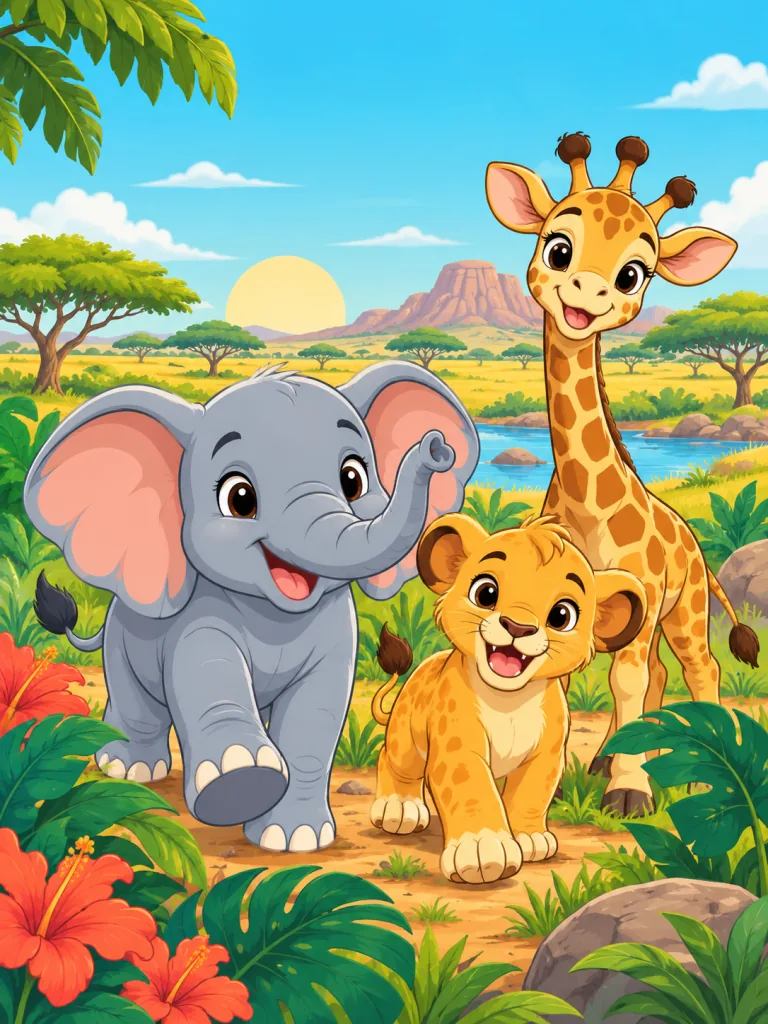
Choose Vibrant Kids Cartoon for baby safari animals, rounded shapes and vivid flat colors. Enter the book title, subtitle and author separately from the scene description. Quick start fills a complete safari idea that you can adapt to your own children's coloring book.

Try this direction
Colorful safari animal front cover with baby animals and a LITTLE SAFARI title
LITTLE SAFARIA coloring adventure

Create a watercolor woodland coloring book cover

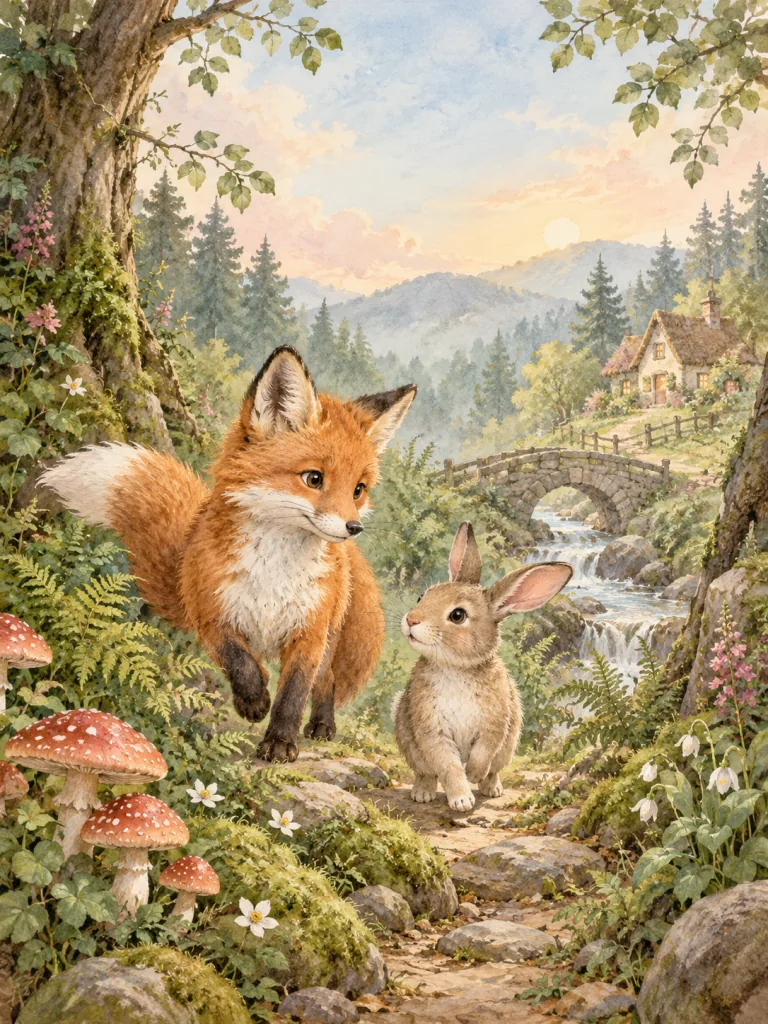
Choose Soft Storybook Watercolor for a fox and rabbit among mushrooms, ferns and a distant cottage. Soft washes and cream paper texture suit a gentle woodland theme. Set the title and subtitle in the separate text controls before generating your front cover.

Try this direction
Woodland watercolor front cover with a fox, rabbit and WOODLAND WONDERS title
WOODLAND WONDERSQuiet moments in color

Make an adult mandala coloring book cover

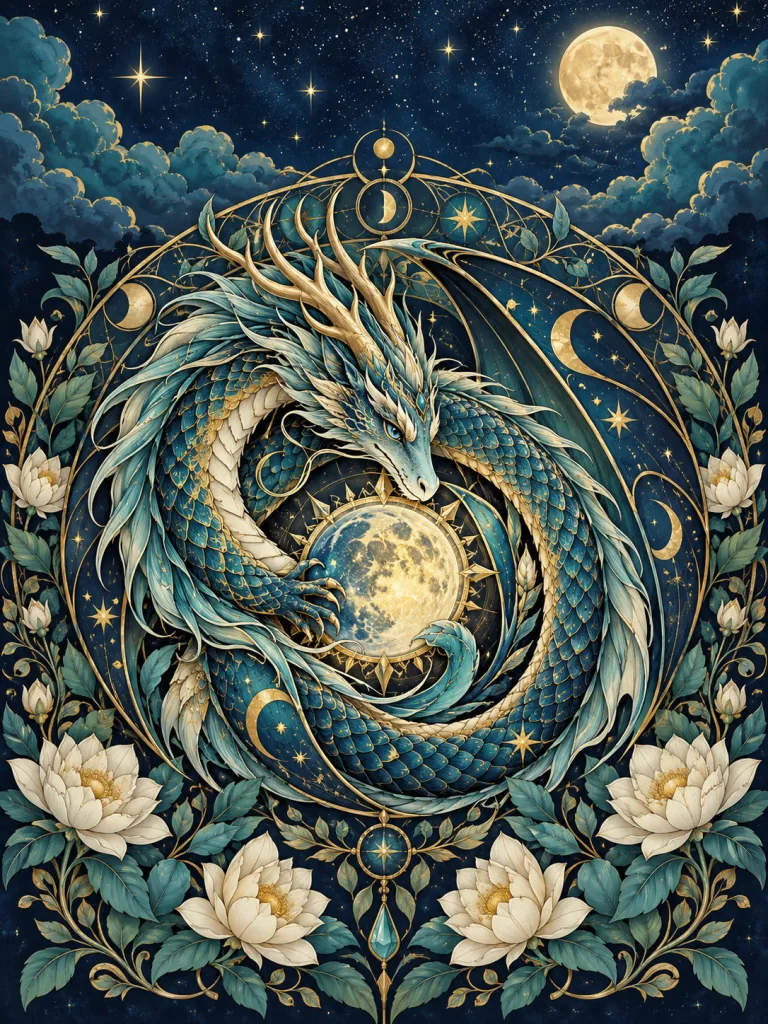
Choose Elegant Adult Mandala for symmetrical celestial ornament, jewel tones and gold accents. Describe the central motif, such as a dragon or botanical circle, then add a title and author name. Download the composed front cover or the mandala artwork without text.

Try this direction
Celestial dragon mandala front cover with navy, teal and gold ornament
CELESTIAL MANDALASAn intricate coloring collection

Build a fantasy coloring book front cover

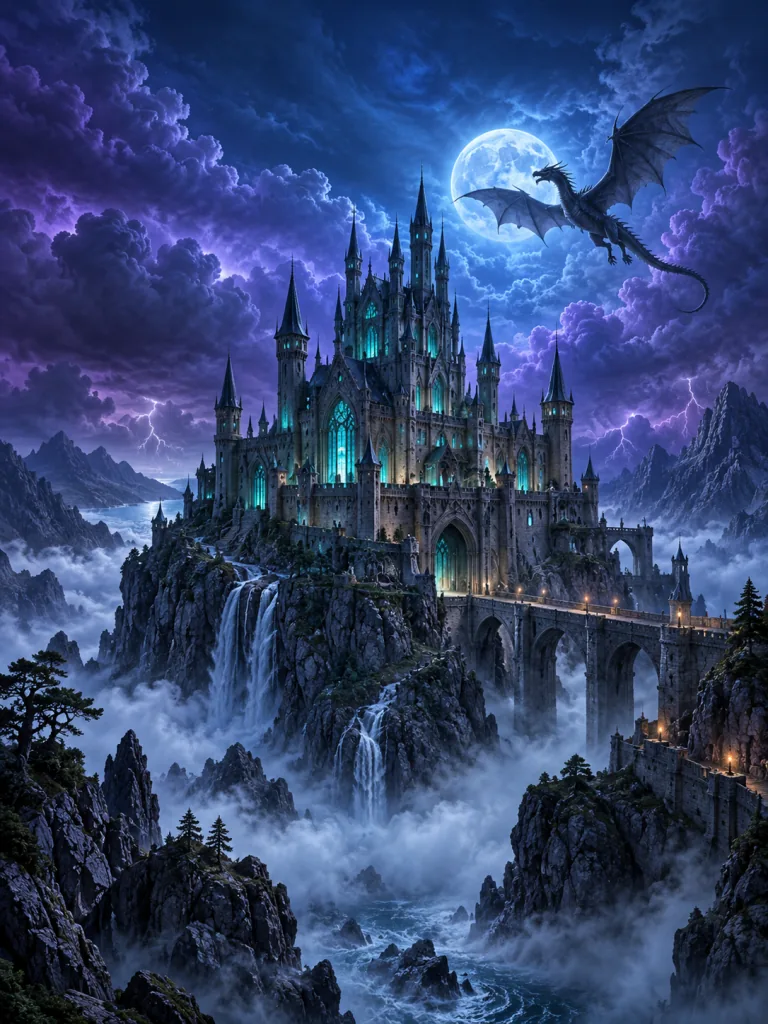
Choose Dark Fantasy & Sci-Fi for a gothic castle, violet skies and luminous moonlight. Put the setting and characters in Cover scene and characters, then add the book title separately. The output is a flat portrait front cover that can be downloaded as an image or PDF.

Try this direction
Fantasy front cover with a gothic castle, moonlight and violet clouds
CASTLE OF SHADOWSA fantasy coloring journey

Create a botanical coloring book cover for adults

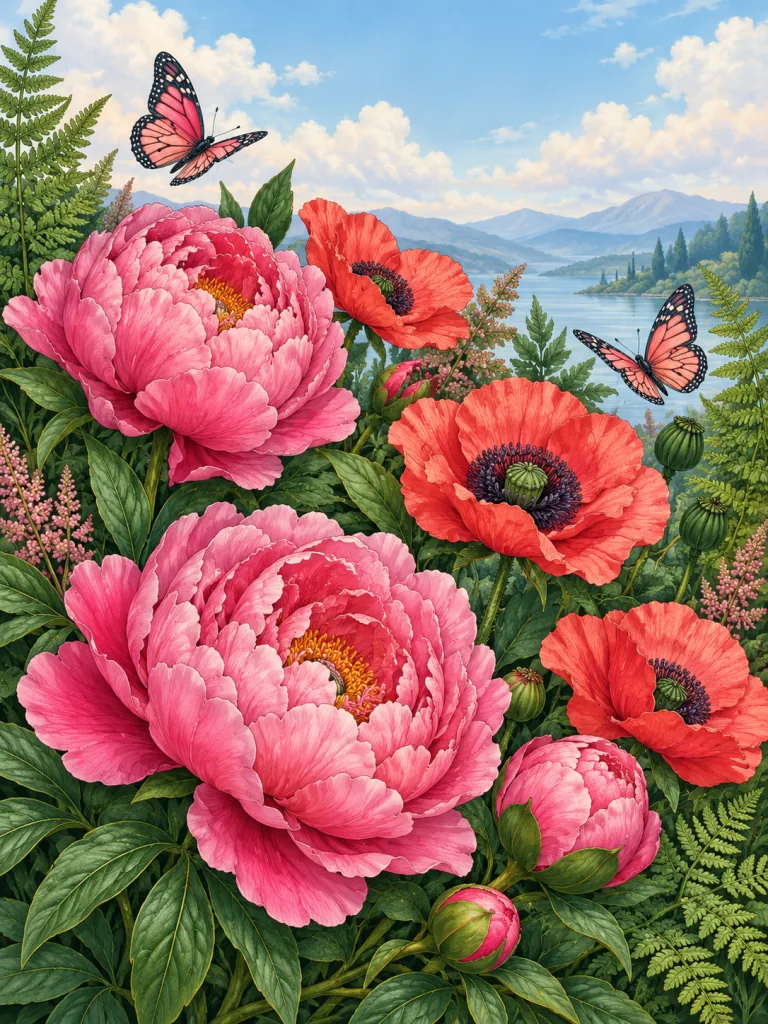
Choose Natural Botanical Illustration for detailed flowers, ferns and butterflies in pink, coral and forest green. Describe your floral theme and add a title suited to the collection. Select Download without text when you want to place the botanical artwork in another cover layout.

Try this direction
Botanical front cover with pink flowers, ferns and butterflies
BLOOM & COLORA botanical coloring collection

Design a minimalist woodland coloring book cover

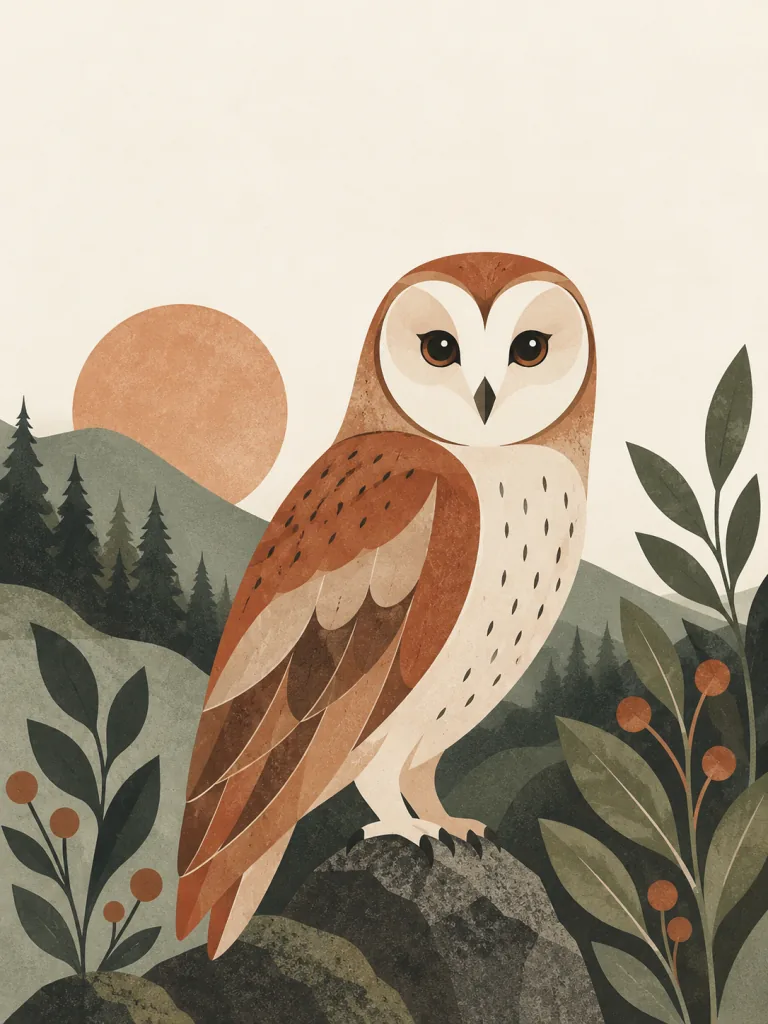
Choose Minimalist Paper-Cut Illustration for a woodland owl, simple layered shapes and restrained colors. Generous space around the title keeps the front cover visually quiet. Edit the quick-start theme and text before generating a new cover in this direction.

Try this direction
Woodland owl front cover with layered paper-cut shapes and muted earth tones
QUIET WOODLANDSimple shapes to color
FAQ

AI Coloring Book Cover Generator: questions and answers

Can I try AI Coloring Book Cover Generator for free without signing in?

AI Coloring Book Cover Generator includes one free 1K image for a guest without login or signup. Each image tool has its own free try. Failed generations do not use the trial. Sign in to choose a higher resolution or create more images with credits.

Can I design a matching coloring-book cover?

Yes. Choose a quick start to fill the theme, title, subtitle, author, style and output settings, then edit the text before generating. Six illustration styles create one flat front cover. A completed cover keeps the text and style from that generation; editor changes apply to your next cover. Choose Download without text to save the artwork.

Is the generated cover ready for paperback publishing?

AI Coloring Book Cover Generator exports a 3:4 front-cover image or a PDF matching that shape. For Amazon KDP paperbacks, a print cover needs a single PDF containing the back, spine and front, sized for the book's trim, paper and page count. Place the generated front artwork in the KDP cover template to prepare that full layout.

How do I make a coloring book cover from a text prompt?

Describe the scene, characters and objects in Cover scene and characters, then choose one of six illustration styles. Enter the exact book title, with an optional subtitle and author name. Quick start fills a complete idea you can edit. Generate one colored, flat front cover and download it as an image or PDF.

Can I create a coloring book cover with animals or dinosaurs for kids?

Yes. Use Safari baby animals or Prehistoric dinosaurs in Quick start, then edit the theme and title. Vibrant Kids Cartoon uses rounded characters and bright flat colors. Soft Storybook Watercolor offers a gentler treatment for woodland scenes. These controls create the front cover; they do not generate the book's interior coloring pages.

Can I design an adult mandala or botanical coloring book cover?

Yes. Choose Elegant Adult Mandala for symmetrical ornament, jewel tones and gold accents, or Natural Botanical Illustration for flowers, ferns and butterflies. Describe your motif and add the title and author name. The tool creates colored cover artwork; it does not convert that illustration into black-and-white coloring pages.

Can I download coloring book cover artwork without text?

Yes. Download without text saves the generated illustration without the title, subtitle or author overlay. Use that artwork in another cover layout when you need different typography or a print template. The editor also offers the composed cover image and a front-cover PDF with the text settings saved for that completed cover.

Is the book title part of the AI illustration?

The AI generates the cover illustration without lettering, and the editor places your title, subtitle and author over it as a separate composition. Set those fields before generating. A completed cover retains that generation's text settings; changing the editor fields prepares the next cover rather than changing a previous download.
For paperback layout dimensions, use the Amazon KDP cover calculator and templates.

START CREATING

AI Coloring Book Cover Generator

Design a kids or adult coloring book front cover with a title and author. Export an image or PDF. Try one 1K cover free, no login required.

Enter a title