 Imagine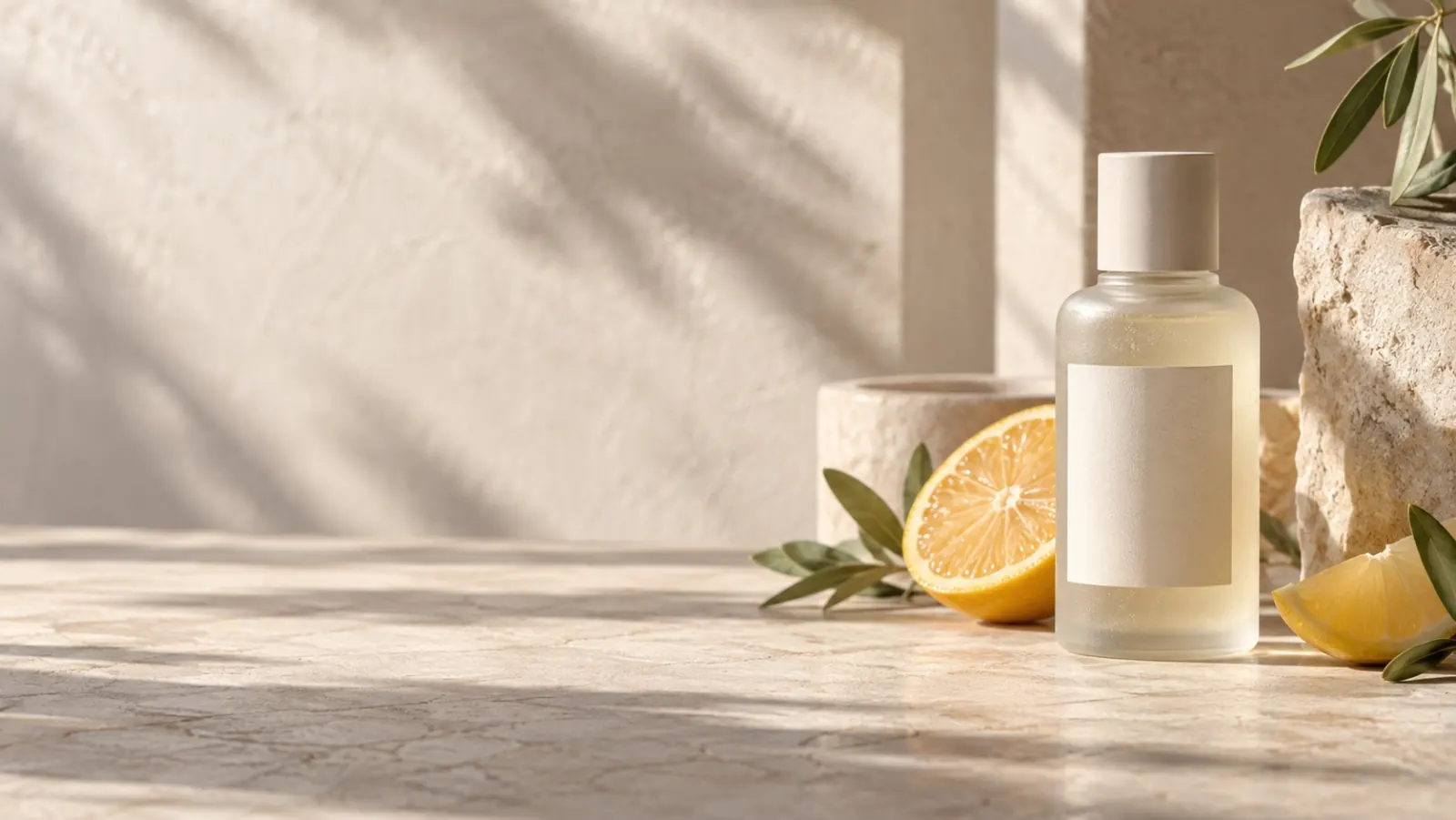
Turn one clean packshot into usable scene directions by protecting the product details first, then varying only the set, light, and crop.
Use a source image that earns the edit
Start in Image to Image with a clean product shot from an angle you are willing to keep. The package should be unobstructed, with its material, silhouette, and label area easy to see. If you need exact typography or a legally accurate pack, use the generated image as a concept and finish the asset in your design tool.
The first pass should test whether the product remains legible in a new setting. Do not start with smoke, splashes, a crowd, and an extreme camera angle at once.
Separate the fixed details from the art direction
Begin the prompt with the things the model should protect: shape, material, liquid colour, label position, or the camera angle. Follow with the variables you want to explore: surface, location, lighting, crop, and room for headline copy. This maps directly to how Image to Image uses the upload as visual context while applying your written change.
EXAMPLE DIRECTIONPreserve the bottle's cylindrical shape, cream label layout, frosted glass texture, and pale green liquid. Place it on wet limestone beside sliced citrus in a sunlit Mediterranean kitchen. Crisp editorial product photography, low side angle, soft morning shadows, clean negative space on the upper right for copy.
Generate directions in a useful order
Keep the product-preservation sentence unchanged and make one scene variation at a time. Generate a simple studio option first, then a lifestyle setting, an editorial version, and a seasonal treatment. You can compare the results because the product and base camera direction stayed constant.
- Studio: storefronts, product pages, and launch assets.
- Lifestyle: social posts that need a believable setting.
- Editorial: concept exploration before a larger shoot.
- Seasonal: a campaign variation without changing the packshot.
Check the output at its final placement
Request negative space deliberately, then view the result where it will be used. For a vertical social post, keep room above or below the bottle for captions. For a banner, reserve a left or right third. The image may look good full-screen and still fail once the price, logo, and CTA are added.
Inspect labels, logos, and fine packaging details before publishing. Image to Image is well suited to choosing a visual direction; it is not a substitute for approved product artwork.