 Imagine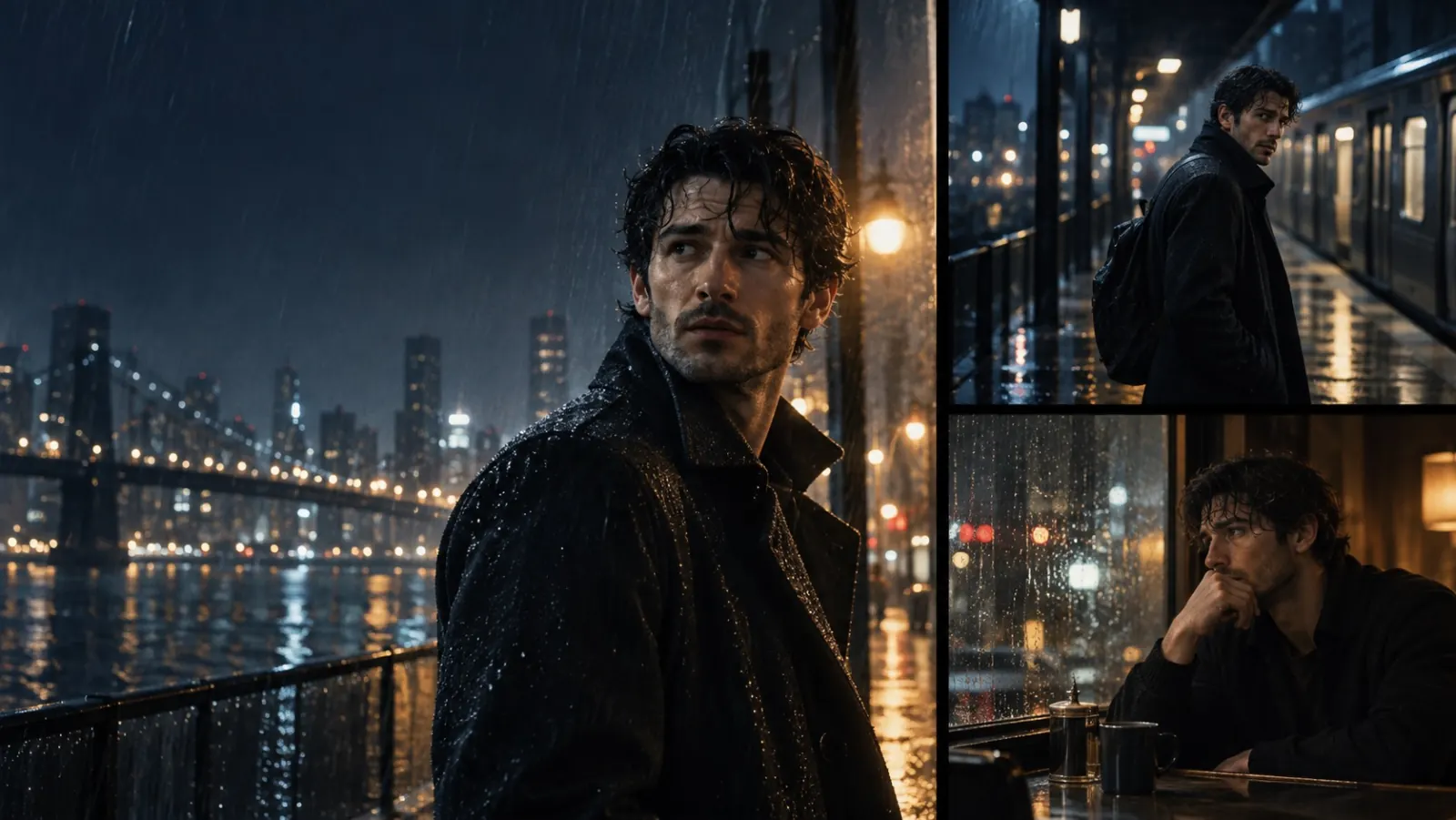
Use one image for identity and, where the selected model accepts it, one clip for motion—then change the setting without asking either input to do everything.
Decide what each input is responsible for
For a character sequence, upload the clearest portrait or full-body image you have and use it for appearance. If the Video to Video model you choose accepts a video reference, add one short clip only for the walk, gesture, or camera rhythm you want to borrow. Write the location, light, and action in the prompt.
That separation gives you somewhere useful to debug. If the face drifts, replace or simplify the image reference. If the movement feels wrong, change the motion clip or name the movement more plainly. Adding more adjectives rarely fixes either problem.
Prepare the identity image before you generate
Use a sharp image where the face, hair, silhouette, and clothing are visible at the same time. A tiny crop, a collage, or three conflicting outfits makes the reference harder to interpret. In the editor, check the selected model's available reference slots and file limits before building the rest of the prompt.
Pick three or four continuity anchors before you start: hairstyle, jacket or silhouette, one accessory, and a colour cue. These are the details worth naming each time you create a new shot.
- Do not request a different age, hairstyle, or outfit in the same shot.
- Do not upload several portraits as an unlabelled moodboard.
- Watch the complete clip; continuity can fail after the first second.
Set up the Video to Video pass
Select Video to Video, then choose a model that exposes the image and video inputs you need. The workspace changes its upload options, duration choices, and credit estimate for that model. Attach the portrait as appearance reference and the short clip as motion reference; use the reference tags shown by the prompt field when the model provides them.
EXAMPLE DIRECTIONUse the portrait as the character reference. Keep the character recognizable, including the short black jacket and silver pendant. Use the video only for the walking rhythm and slow forward camera movement. Place the character in a rain-lit night market. Medium shot, restrained hand-held camera, reflections on wet pavement.
Make a small shot set, not one overloaded prompt
Start with one medium shot and a simple movement. Reuse the same inputs for a second location. Only then try a closer frame, faster action, or a new lens direction. You will learn much faster which change caused a result to drift.
The goal is recognizability across the sequence, not an identical face in every frame. Keep the output you like, then use it as the reference point for the next pass instead of rebuilding the whole direction.