 Imagine
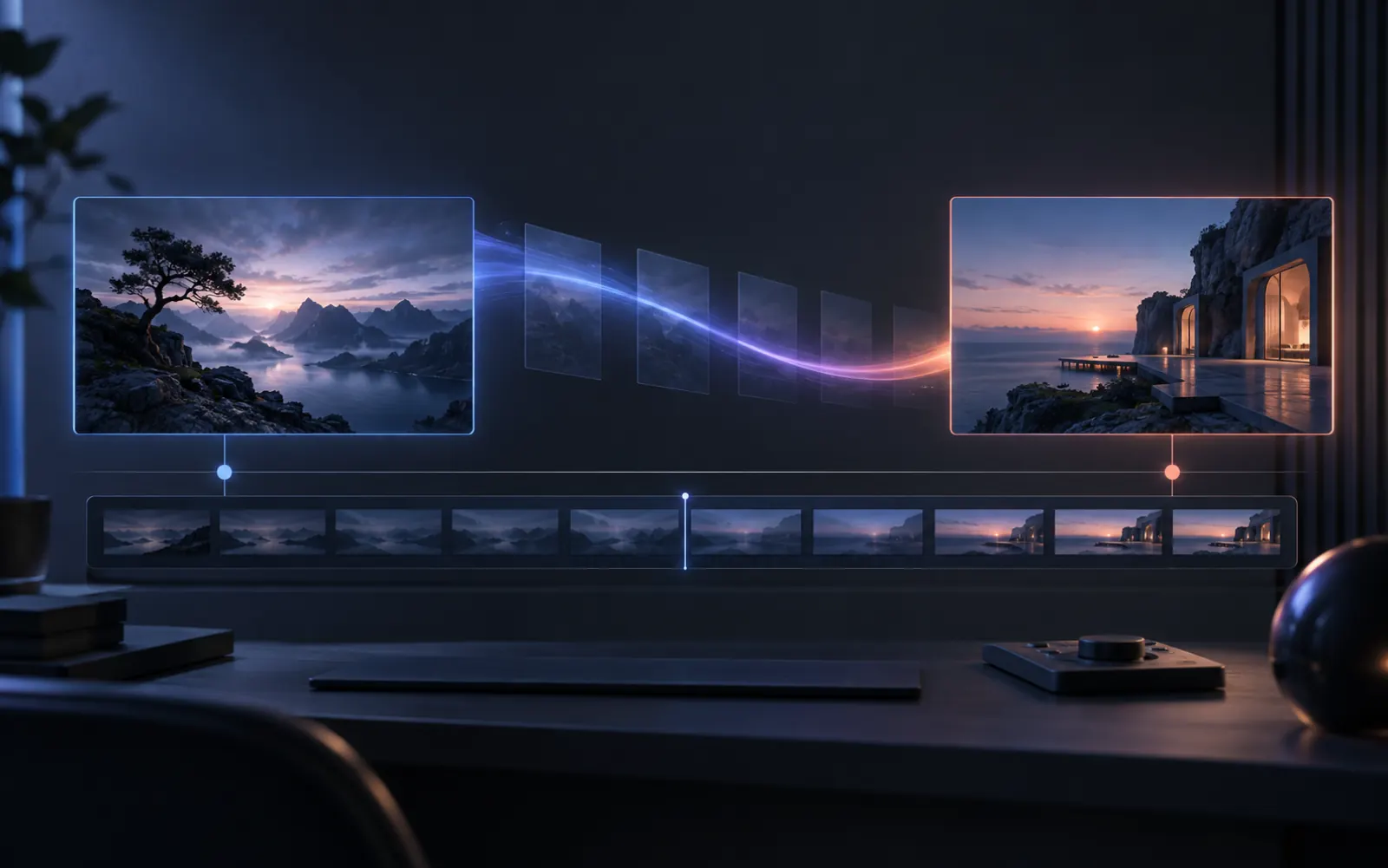
Fix first-and-last-frame AI video drift. Compare subjects, framing, and transitions, use compatible models, and change one input or prompt at a time.
Match the subject and framing in both images
Use endpoint images with a recognizable subject, compatible proportions, and a plausible change in position. Compare product outlines, faces, camera height, and background geometry before uploading. Large differences ask the model to invent more of the transition.
Select Start & End Frame and a model that supports both slots. Check the exposed file limits and output settings. End-frame guidance requests a destination; it does not guarantee exact intermediate motion or an identical final frame.
Describe one transition between the endpoints
Write the action and camera move that connect the two compositions: The bottle stays upright as the camera slowly moves closer. Add the essential details to retain and avoid introducing unrelated objects, locations, or time changes.
A prompt should explain the bridge rather than repeat everything visible in the images. Choose one action first, inspect the resulting motion, and refine the specific instruction that corresponds to a visible problem.
EXAMPLE DIRECTIONBegin with the uploaded product on pale stone and finish with the same product beside the open window. The camera makes one slow rightward slide while citrus leaves move in a light breeze. Preserve the bottle silhouette, pale green liquid, and clear label area throughout the transition. Do not introduce new products or change the camera height.
Diagnose the frame where drift begins
Pause at the first distortion or abrupt cut. If the subject changes immediately, inspect the opening image and simplify the action. If the finish drifts, check the ending composition. If the middle breaks, reduce competing changes in the bridge.
Keep the endpoint pair while testing a simpler prompt, or keep the prompt while replacing one unclear endpoint. Each comparison then answers a specific question. Further generations consume credits and may still interpret the endpoints differently.
- Subject changes shape: protect the silhouette and reduce competing action.
- Camera jumps: match camera height and framing in both endpoint images, then name one path.
- Scene changes abruptly: remove unrelated weather, time-of-day, or location instructions.
- Finish is unusable: simplify the end-frame composition and preserve a clear area for its intended copy or crop.
Review the opening, transition, and closing frames
Play the complete clip, then compare its opening and finish with the uploaded images. Inspect subject shape, visible text, and the intended crop throughout. A useful middle section does not make an inaccurate final product frame suitable for publishing.
After the endpoints are acceptable, refine a single motion or light direction. Recheck the current model options and credit estimate before another submission. Save a reviewed version in My Creations so later comparisons use the same reference.